Is Teleprompter-Scrolling Scripts free?
Yes. Teleprompter-Scrolling Scripts is free to download and use on iPhone, iPad and Mac. Camera mode, Prompter mode and Voice mode, unlimited videos and script edits in your project, script import from files, adjustable scroll speed and text layout, and voice commands are all included. Recordings export watermark-free at 1080p and 30 fps, with no account and no time limit.
What's included for free
The free version of Teleprompter-Scrolling Scripts includes the full core feature set:
- Camera mode — record video on your iPhone, iPad, or Mac while your script scrolls over the live camera view. The saved video shows only you, at 1080p and 30 fps.
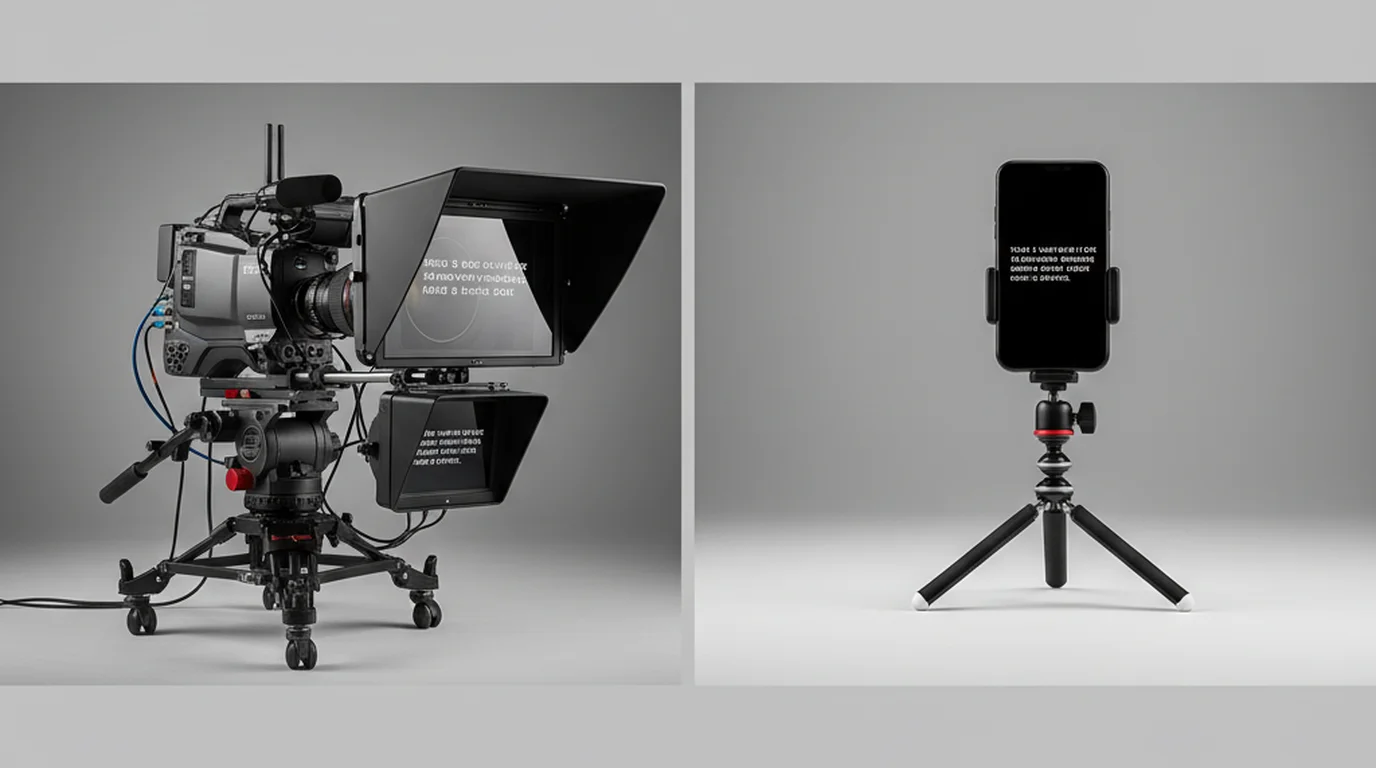
- Prompter mode — show your script on its own, for rehearsal or beside an external camera, webcam, or DSLR.
- Voice mode — record audio while your script scrolls, for voiceovers, podcasts and narration.
- Unlimited videos in your project — edit the script as often as you like and record as many takes as you need.
- Script import — bring in a Word, PowerPoint, PDF, RTF, HTML, Markdown, TXT or subtitle file, or type and paste.
- Adjustable scroll speed — fine-tune the words-per-minute scroll rate to match your natural speaking pace.
- Font size and layout controls — adjust text size, line spacing, and the width of the text area to optimize readability and eye-line positioning.
- Voice commands — start, pause, continue, and jump forward or back by voice in Prompter mode, keeping your hands free.
- Offline use — every core feature works offline. Scripts are stored locally on your device.
Watermark-free recordings, instant start, full-length takes
Videos recorded in Camera mode export as clean files, ready to edit or publish. What you record is exactly what you keep: your delivery, with the script left on your screen.
Download the app, open it, and start. Your scripts live on your device, so there is nothing to sign up for and no profile to set up.
Takes run as long as you need. You can record a two-minute TikTok or a thirty-minute course lesson on the same free plan.
Premium is optional. It adds 4K recording, HDR and other frame rates for anyone who wants them; the details are on the pricing page.
Where to download
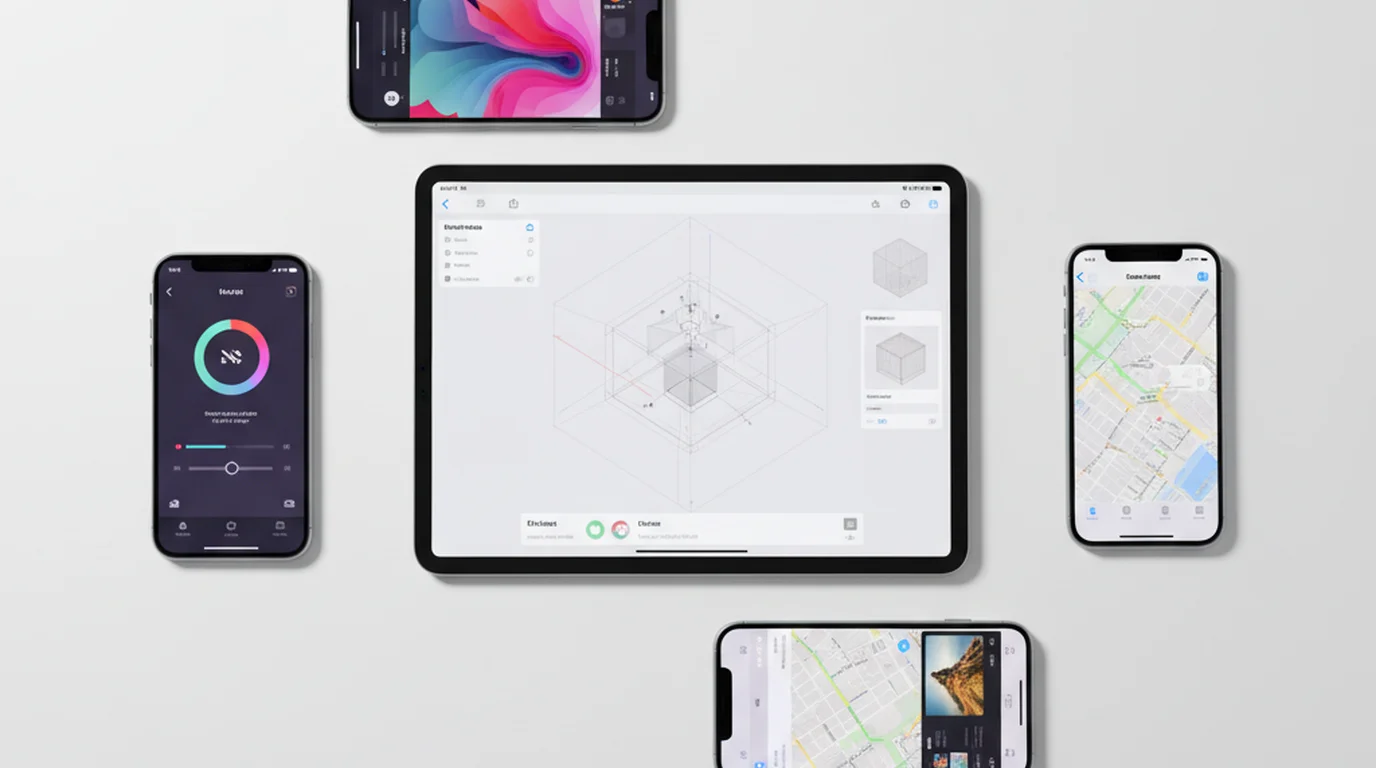
Teleprompter-Scrolling Scripts is available on the App Store for iPhone, iPad, and Mac. Search "Teleprompter Scrolling Scripts" in the App Store on any Apple device, or use the Download button at the top of this page.
A browser-based version is also available at teleprompter.works/online — free, no download required, works on any device with a modern browser including Windows, Android, and Chromebook. It supports both teleprompter display and video recording, and it is built for immediate use: open it, paste a script, record. The native app adds saved projects, organized recordings, Voice mode and voice commands.
Download Teleprompter-Scrolling Scripts free on iPhone, iPad, and Mac. Camera mode, Prompter mode and Voice mode, with no account.
Use Free Online Teleprompter Get the Free App