Works instantly in Chrome, Safari, Firefox, and Edge. No account, no install, no sign-up. Paste your script and start reading in under 60 seconds.
Full-screen script scrolling with adjustable speed, font size, colors, and mirror. Set it to your pace and read hands-free.
Overlay your script on a live 16:9 camera preview and record video locally. Drag and resize the text area to fit your shot.
Say "next", "previous", "pause", or "restart" to control scrolling hands-free while recording — no tapping needed.
Four steps from blank page to rolling script.
Click the Script button in the top bar, paste or type your text, and save. The online prompter accepts any length — a 30-second product pitch or a 45-minute lecture script both work the same way.
Select Teleprompter for rehearsal and reading without recording, or Recording to capture video with your script overlay on screen. Or Voice to record audio only, with no camera and no video file. Switch between modes at any time.
Adjust scroll speed from 10 to 500 WPM, set font size, line spacing, text color, and background color. Drag the text overlay to sit at the right spot relative to your camera.
Two independent flips, so the same browser tab can drive a glass autocue rig instead of just sitting beside the lens.
A hardware teleprompter reflects a monitor off a pane of angled glass in front of the lens, and the glass reverses whatever it reflects. Flip horizontal reverses the script to cancel that out, so it reads normally through the beam splitter. On a desktop the browser tab is usually not the thing under the glass — it feeds the prompter monitor that is, over HDMI or a second display.
A beam splitter reverses the image exactly once, so one flip is all you ever need — but which one depends on how the display sits on its bracket. Rotate the same monitor 180° on the mount and the flip you need changes from horizontal to vertical. Turning both on rotates the script a full 180°, for a screen mounted upside down. It is quicker to toggle each one and look at the glass than to work it out on paper.
Mirroring transforms the script layer on screen and nothing else. It never touches the camera feed, so anything you capture in Recording mode comes out the right way round. Inline editing on the prompter surface is off while a flip is active — the Script button still opens the editor when you need to change a line.
The free browser teleprompter and online video recorder cover Windows, Android, and any platform where a native app isn't available.
Open in Chrome or Edge, go full screen, position your monitor at eye level. The best free teleprompter for PC — no download, no setup.
Works in Chrome on any Android phone or tablet. Add to home screen for one-tap access. Full-screen landscape view is ideal for longer scripts.
Use the browser version anywhere, or download the free native app for Camera mode, offline use, and voice control without a browser.
Everything in the free online teleprompter and browser video recorder, free to use.
No word count cap. Short social clips or full-length keynote scripts — the online prompter handles any length.
Recording mode overlays your scrolling script on a 16:9 camera preview. Record directly in the browser, saved locally. Run a quick camera test first to check resolution, frame rate and lighting.
A wide enough range to cover deliberate speech at 100 WPM and broadcast-paced delivery at 160+ WPM. To see how long your script runs at that pace, use the speech time calculator.
Say next, previous, pause, stop, continue, start, or restart — control the teleprompter hands-free while filming. Run a quick mic test first to confirm your browser picks up your voice clearly.
Flip the text horizontally or vertically for use with a glass autocue rig, beam splitter, or reversed monitor setup.
Font size, line spacing, letter spacing, text color, background color, alignment, and text area size and position.
No download, no account — just open and start reading.
"Most browser teleprompters push you to sign up before you can do anything useful. This one opened, I pasted my script, and it started scrolling. Nothing to install, nothing to create an account for. That alone puts it ahead of everything else."
 Ryan Kowalski
iOS & macOS App Reviewer
Ryan Kowalski
iOS & macOS App Reviewer
"When I'm away from my phone and need to test a script quickly, I open the browser version on whatever device is nearby. It works the same on a Windows laptop as it does on my Mac — no friction, no sign-in, no surprises."
 Maya Chen
Content Creator
Maya Chen
Content Creator
"I prep for live workshops on borrowed devices and venue laptops all the time. Having a teleprompter I can use from any browser, with my script ready in seconds, removes one more thing to worry about before going live."
 Lauren Mercer
Online Course Creator
Lauren Mercer
Online Course Creator
Everything you need to know before you start reading.
Yes — completely free, open-source, and requires no account, no email, and no sign-up. There is no paywall, trial period, or premium tier. The full feature set is available to every user from the first visit.
Yes. Open teleprompter.works/online in Chrome or Edge on any Windows PC or laptop. Go full screen (F11) and position your monitor near your camera. It is the fastest free teleprompter option for Windows users — no download needed.
Yes. It works in Chrome on any Android phone or tablet. For a home-screen shortcut, open the Chrome menu and choose "Add to Home Screen" — it launches full-screen like a native app.
Yes. Switch to Recording mode to use your device camera. The script overlays on a 16:9 camera preview and you can record directly in the browser. The video is saved locally to your device — nothing is uploaded to a server.
Teleprompter mode scrolls your script full-screen — use it for rehearsal, reading from a separate camera, or live presentations. Recording mode activates your device camera alongside the script overlay so you can read and record simultaneously in one browser tab.
Use the flip horizontal button in the text controls. This reverses the text so it reads correctly when reflected off a beam-splitter glass panel in front of your camera lens — the standard setup for broadcast and studio autocue hardware. There is a separate flip vertical button, because which of the two you need depends on how the display is mounted on its bracket; turning both on rotates the script a full 180°. Mirroring affects only the script on screen, never the video you record.
Yes. Teleprompter-Scrolling Scripts is the free native app for iPhone, iPad, and Mac. It adds Camera mode with direct video recording, offline use with no internet connection, and voice control. The browser version at this page works on any device; the native app is faster and more reliable for Apple users.
Tips for scripting, delivery, and choosing the right tool.
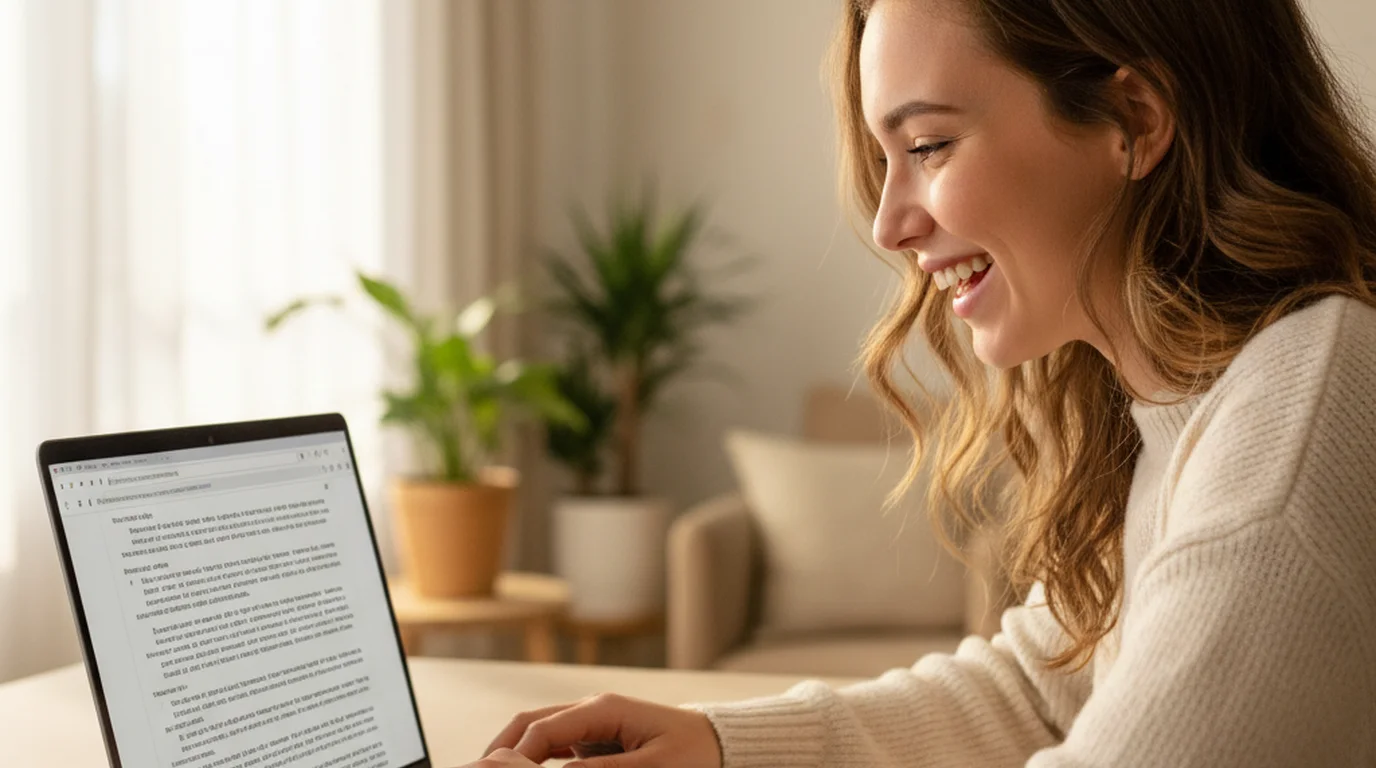

Use a free online prompter in your browser — no account, no download. Paste your script, set the scroll speed, and read. Works on any device.
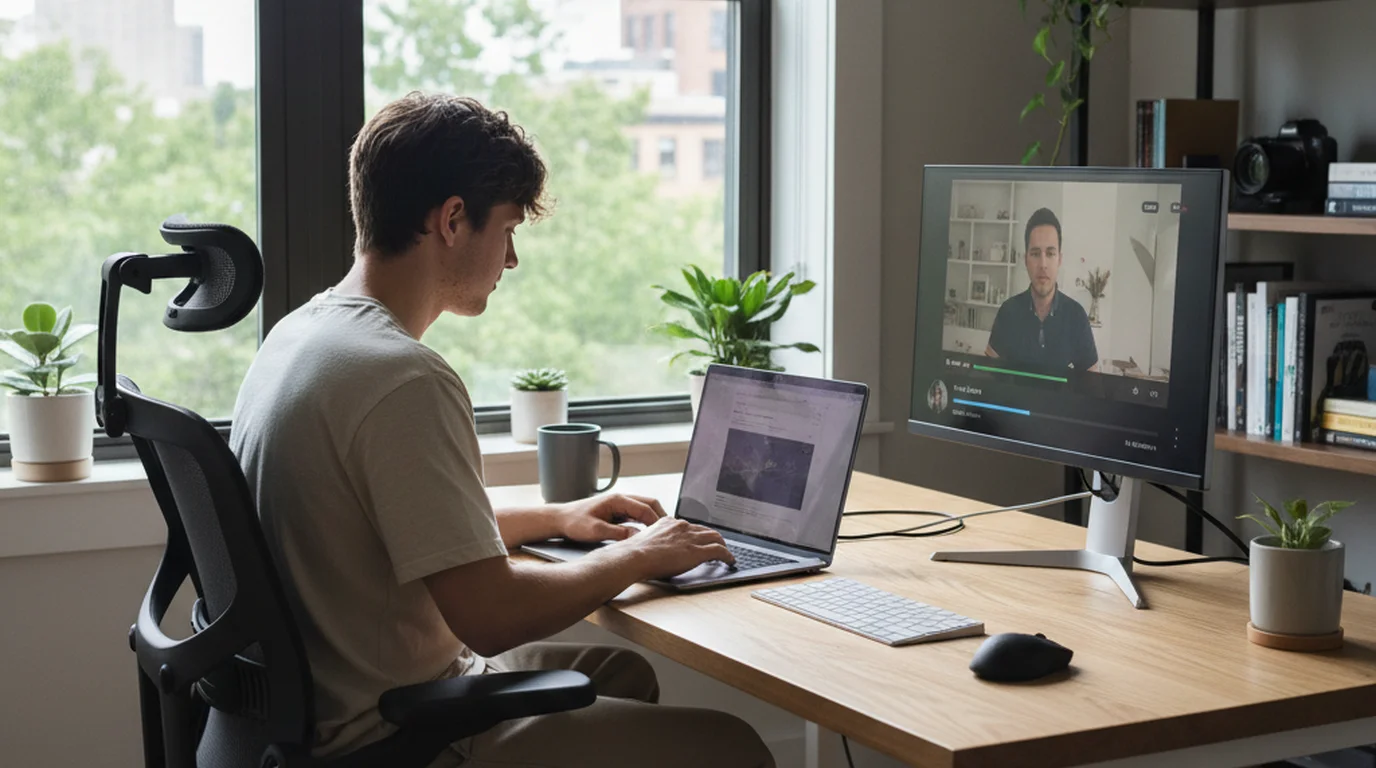
Struggling to script YouTube videos without sounding robotic? Learn the exact hook-to-CTA structure, voice tips, and teleprompter workflow from Maya Chen.
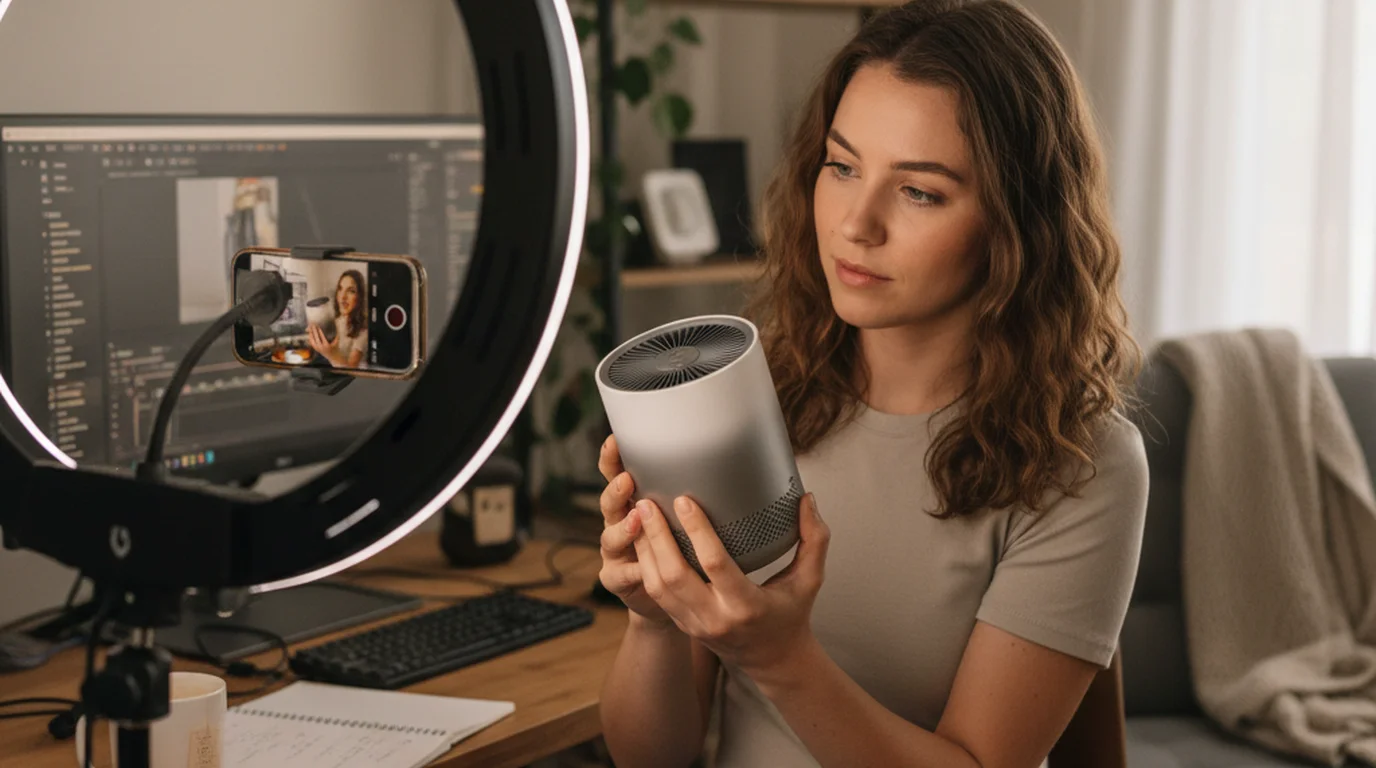
UGC creators who script their videos get cleaner takes and stronger brand fit. A teleprompter for UGC videos makes shooting faster and repurposing easier.
The free native app adds direct video recording with script overlay, offline use, and voice control — all without a browser. Free for iPhone, iPad, and Mac.
Script
Camera
Voice control
