5 Best Speakflow Alternatives in 2026 (Free and Paid)
 Wendy Zhang · May 20, 2026 · 9 min read

Speakflow's voice-following scroll is the reason most people use it. The free plan limits that feature, keeps 7 days of script history and stores no video; Plus is $15/month. These five cover the same ground at different prices.
By what replaces the Flow feature: Teleprompter-Scrolling Scripts is the most convenient: recording with it is as simple as opening the camera, with no login and no internet connection, and its three modes cover video, audio, and reading practice. Teleprompter.com covers iOS, Android, macOS and Web with cloud sync. BIGVU adds AI scripting and captions. CuePrompter is free with no account but no voice scroll. Elegant Teleprompter floats over any app on Android.
1. Teleprompter-Scrolling Scripts — the most convenient way to read and record
Account: none · Internet: not needed · Modes: video, audio, reading practice · Records: 1080p with no watermark, with options up to 4K on supported devices · Platforms: iPhone, iPad, Mac, any browser
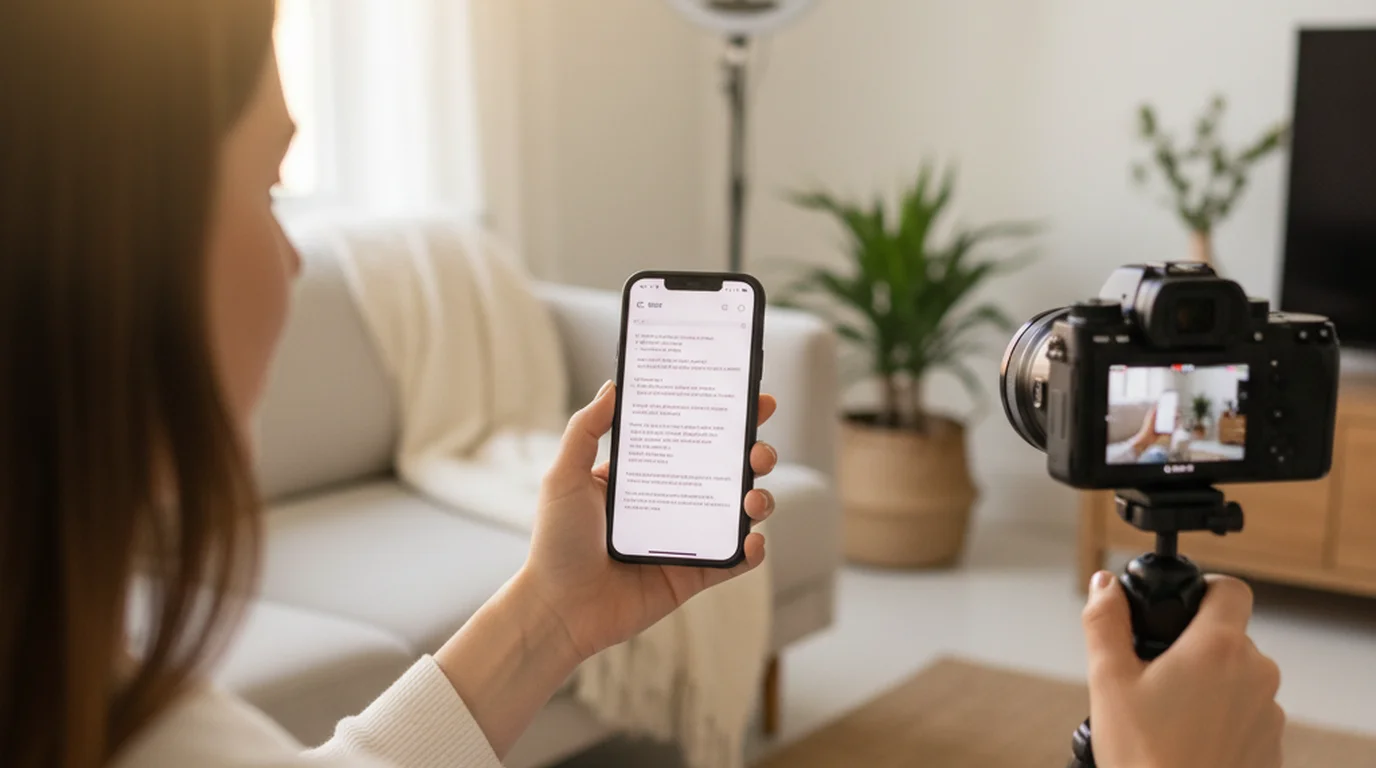
Convenience is the main reason it sits first here. Recording with it feels like opening the camera: there is no login, nothing needs an internet connection, and you are reading and recording within seconds. On iPhone, iPad, and Mac, Camera mode uses the front camera and scrolls your script over the live preview, much like text scrolling on the built-in camera, and you can set the scroll speed, text size, text color, and background color as you go.
You can also move and resize the text area. If you like reading from the middle of the screen, put it there; if you would rather keep your eyes on the camera, drag it up right under the lens. The size of the text area, the text size, and the scroll speed are all yours to set, so the setup fits the way you read and your delivery looks natural.
It is also versatile. Camera mode records video, Voice mode records audio only while the script scrolls, and Prompter mode shows the script full screen for reading practice or for when another camera is doing the recording.
The script scrolls at the words-per-minute pace you set, the up and down buttons jump three lines when you drift, and Prompter mode takes optional English voice commands (next, previous, pause, continue) for hands-free control.
Scripts stay on the device with no account and no history limit, which is the other half of the Speakflow free-plan problem: 7 days of script history means older drafts disappear.
Best for: anyone who uses Speakflow to read a script and record, and wants that to feel as quick as opening the camera.
2. Teleprompter.com — best multi-device sync
Voice-following: not listed · Records: yes · Free tier: watermarked · Paid: $4.99/week, $9.99/month or $89.99/year on the App Store · Platforms: iOS, Android, macOS, Web
Cloud scripts shared across four platforms, plus mirroring and remote preview on the paid tier. At $89.99/year on the App Store (about $7.50/month) it costs half as much as Speakflow Plus while adding recording, which Speakflow does not do.
Speakflow's pricing page lists Plus at $15 per month, which unlocks unlimited voice-activated scrolling, 1 hour of video storage, multi-device sync and a virtual teleprompter overlay. On the App Store, Teleprompter.com's Pro tier is $9.99 a month or $89.99 a year and includes 4K recording without a watermark. Monthly, it costs about half of Speakflow Plus; over a year the gap is $89.99 against $180 for twelve months of Plus.
Where it stops: no voice-following scroll is listed, so the specific feature you came for is not here. The free tier watermarks exports.
3. BIGVU — if you want captions and scripting too
Voice-following: not listed · Records: yes · Free tier: 720p with watermark, 9-minute cap, 500 AI credits · Paid: $24.99/month, $99.99/6 months or $139.99/year on the App Store
The closest match to Speakflow's "more than a prompter" positioning: AI script generation, auto-captions, branded overlays and posting straight to social channels. On the App Store it costs $24.99/month, more than Speakflow Plus, while the $139.99/year plan comes in under twelve months of Plus ($180).
Where it stops: the free plan caps recordings at 9 minutes and exports 720p with a watermark, so it is a trial rather than a usable free tier. See the BIGVU comparison for the full breakdown.
4. CuePrompter — free with no account, no limits
Voice-following: no · Records: no · Free tier: everything · Platforms: any browser
"100% free for both commercial and non-commercial projects. No watermarks, no limits," in its own words. No sign-in, no install, no script history to expire. For a fixed-pace read it does the job and costs nothing.
Where it stops: fixed-speed scrolling only, and no recording. If you picked Speakflow because a timer kept leaving you behind, this will have the same problem.
5. Elegant Teleprompter — best on Android
Voice-following: not listed · Records: floats over your camera app · Free tier: ad-supported · Platforms: Android (5M+ Google Play downloads)
The floating window works over Zoom, the camera app or a live stream, which is close to what Speakflow's virtual teleprompter overlay does for calls — except it is on the phone and does not need a paid plan to appear.
Where it stops: Android-only for that feature, ads on the free tier, and no voice scroll. The Elegant Teleprompter comparison covers the Apple equivalent.
Side by side
| Voice-following | Records | Free tier limit | Cheapest paid | |
|---|---|---|---|---|
| Teleprompter-Scrolling Scripts | Steady scroll, English voice commands | Yes, 1080p, no watermark | None | Free |
| Teleprompter.com | Not listed | Yes | Watermark | $9.99/mo or $89.99/yr |
| BIGVU | Not listed | Yes | 720p, watermark, 9 min | $24.99/mo or $139.99/yr |
| CuePrompter | No | No | None | — |
| Elegant Teleprompter | Not listed | Floats over camera app | Ads | Pro (one-off) |
| Speakflow | Yes, limited on free | No | 7-day script history | $15/mo |
What Speakflow keeps that the others do not
Speakflow Studio runs up to 10 client workspaces and 25 team members with commenting and real-time collaboration. Nothing else in this comparison does that — the rest are single-operator tools.
So the switch is straightforward if you read your own scripts, and it is not a switch at all if an agency workflow runs through the same document. Voice scroll you can work around for free; a shared workspace you cannot.
Frequently Asked Questions
Is Speakflow free?
Speakflow has a free plan with limitations and paid team plans for professional and agency use. Check Speakflow's website for current plan details and limits.
What is a free offline alternative to Speakflow?
Teleprompter-Scrolling Scripts is free at teleprompter.works/online in any browser with no account. The native iPhone, iPad, and Mac app works fully offline — scripts store locally with no internet connection required.
Does Speakflow work on iPhone as a native app?
Speakflow is browser-based. Teleprompter-Scrolling Scripts offers a free browser teleprompter at teleprompter.works/online plus a native iOS and Mac app with Camera mode for recording within the app.
Can I record video with a Speakflow alternative?
Yes. Use Recording mode at teleprompter.works/online in the browser, or Camera mode in the native iPhone, iPad, and Mac app. Both record with the script overlay — unlike Speakflow, which requires a separate camera app.
Which Speakflow alternative has voice-following scroll?
Teleprompter-Scrolling Scripts gives you hands-free control for free: it scrolls at a steady words-per-minute pace you set, the up/down buttons jump three lines, and Prompter mode has optional English voice commands (next, previous, pause, continue). Teleprompter.com, BIGVU, CuePrompter and Elegant Teleprompter do not list a voice-following feature, so a fixed words-per-minute rate is what you get.
How much does Speakflow cost?
Speakflow's pricing page lists Free at $0, Plus at $15/month and Studio at $99/month. Unlimited voice-activated scrolling, 1 hour of video storage, multi-device sync and the virtual teleprompter overlay start at Plus. The free plan keeps 7 days of script history.
Does any alternative keep team collaboration?
No. Speakflow Studio runs up to 10 client workspaces and 25 team members with commenting and real-time collaboration; the five alternatives here are single-operator tools. If a shared document is part of your workflow, that part does not transfer.
Wendy ZhangWendy Zhang is the indie developer behind Teleprompter-Scrolling Scripts, which she built after cycling through teleprompter apps that were too heavy, too expensive, or dependent on a network connection to open. She writes about the mechanics of recording yourself — scroll pacing, script formatting, and the app decisions that decide whether a take survives.
Try a free offline Speakflow alternative
Try teleprompter.works/online in the browser, or download the native app for iPhone, iPad, and Mac — Camera mode, offline scripts, no account.
Use Free Online Teleprompter Get the Free App