
Natalie Brooks is a video producer who works as a one-person crew for independent creators, corporate teams, and online educators. She writes about home studio setups, creator gear, and the production decisions that never come up in sponsored unboxings.

Natalie Brooks
23 articles by Natalie Brooks

How to Turn Off Center Stage on Mac (Zoom, FaceTime, Teams)
Stop the camera following you on Zoom: turn off Center Stage from the Mac menu bar Video menu, plus Zoom auto-framing, FaceTime, Teams and iPad steps.
iPhone HDR Video: Should You Leave It On or Turn It Off?
iPhone HDR video looks great on the phone and washed out elsewhere. When to leave it on, how to turn it off, and how to convert HDR clips to SDR.

How Many Words Is a 30 Minute Speech?
A 30-minute speech is 3,900 words at a prepared 130 wpm pace. Word count table by pace, page and slide counts, and why to script it in segments.

What Is a Good Background for a Video Interview?
The panel sees your interview background before you say a word. What works, what to remove, when a virtual background hurts you, and a 10-minute setup.
Top 5 Video Essay Tools for YouTube Creators
The five tools YouTube video essayists rely on — narration, editing, audio repair, screen capture, and archive footage. All free, with each tier's limits.
How Many Words Is a 3 Minute Speech?
A 3-minute speech is 300–480 words depending on pace, about 390 at an average 130 wpm. Free calculator, pace breakdown, page count and a structure guide.
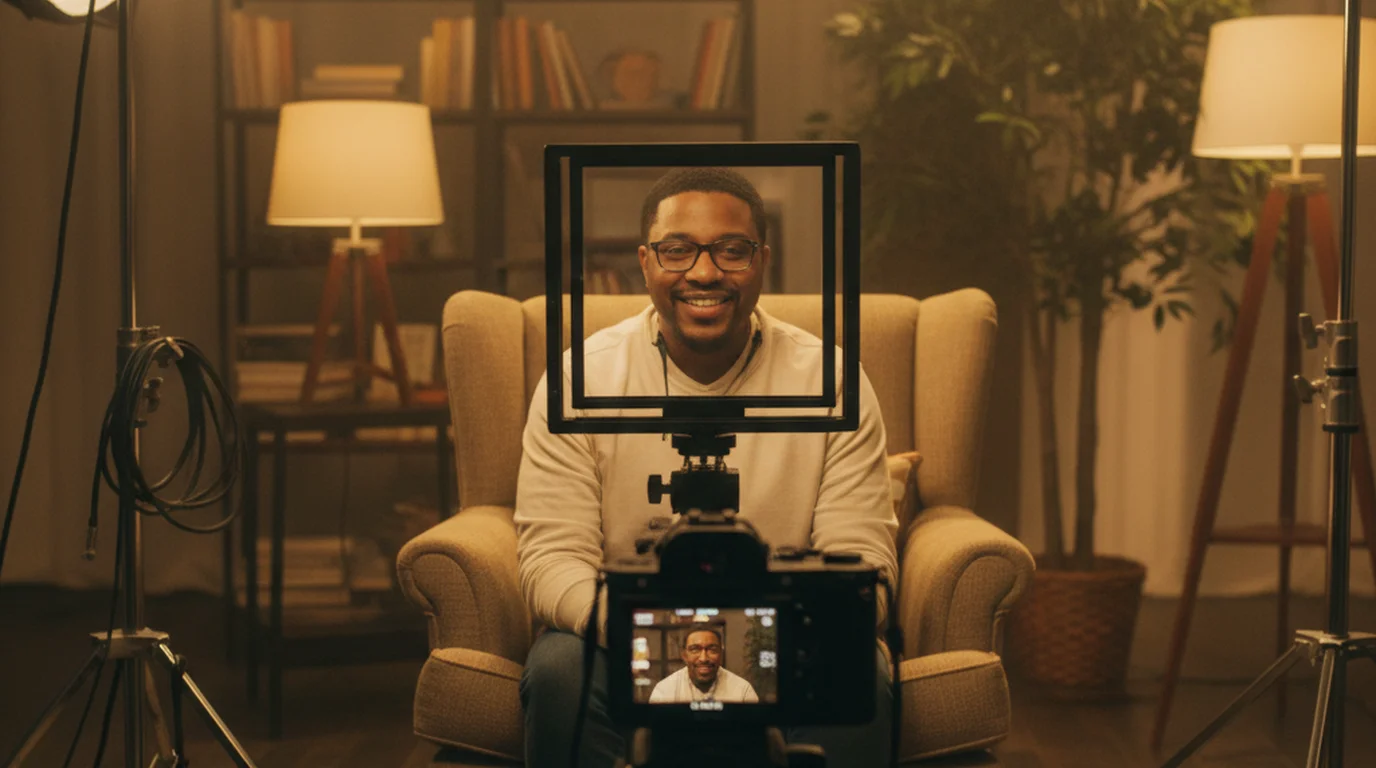
Interrotron Setup, Rental Cost, and DIY Alternatives: Complete Guide
Learn how an interrotron interview works, what rental costs run, and how to build a DIY beam-splitter rig for direct-to-lens documentary interviews.
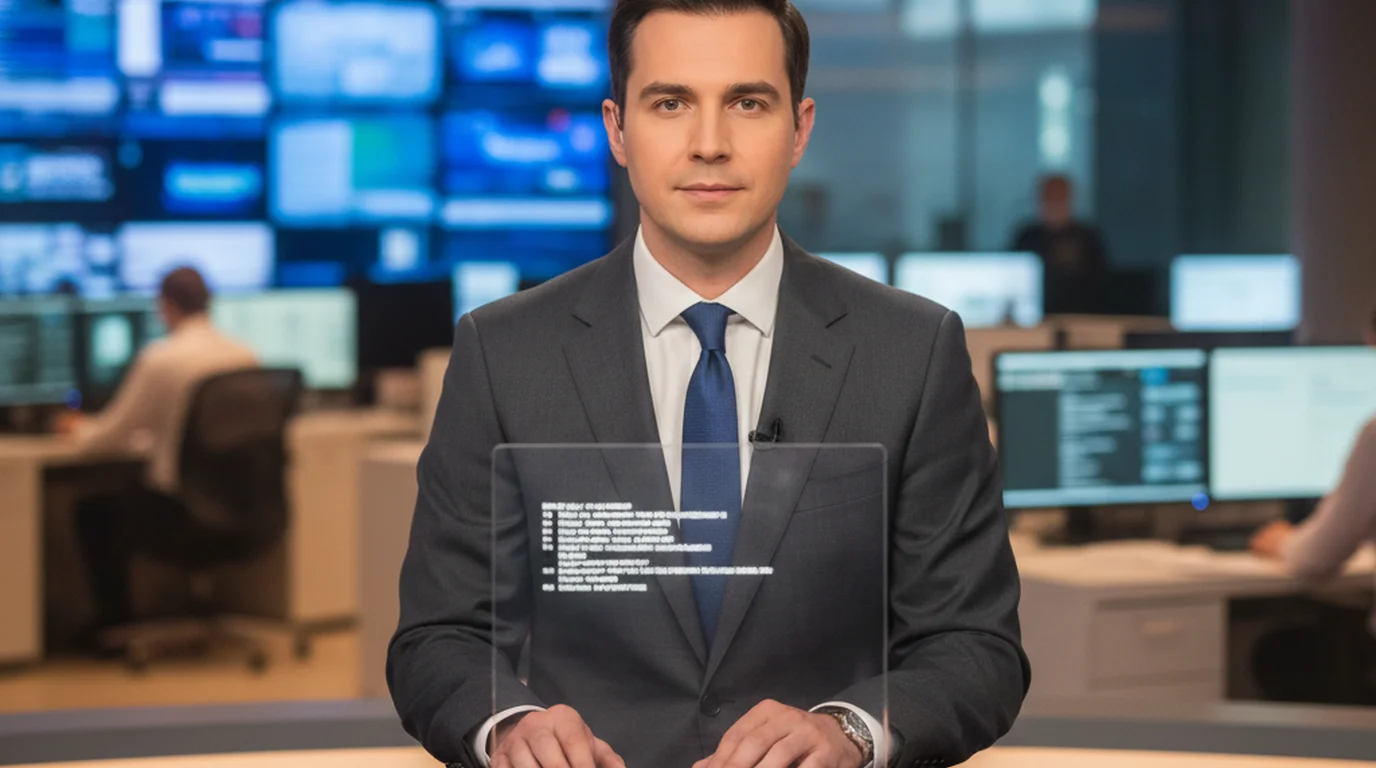
Teleprompter for Journalists and News Readers: Free Tools That Actually Work
Need a teleprompter for journalists or news readers? We tested free tools that work for anchor desk delivery, field reporting, and solo broadcast setups.

How to Memorize a Speech or Lines Fast: 8 Steps That Work
How to memorize a speech or lines fast: learn the structure, chunk the text, use a memory palace, rehearse aloud and test yourself, plus when to use a teleprompter.

Does Loom Have a Teleprompter? How to Add One and Read Your Script on Mac
Loom has no built-in teleprompter. On Mac, a floating script window stays on top of Loom, right under your camera. Free to download, no account needed.
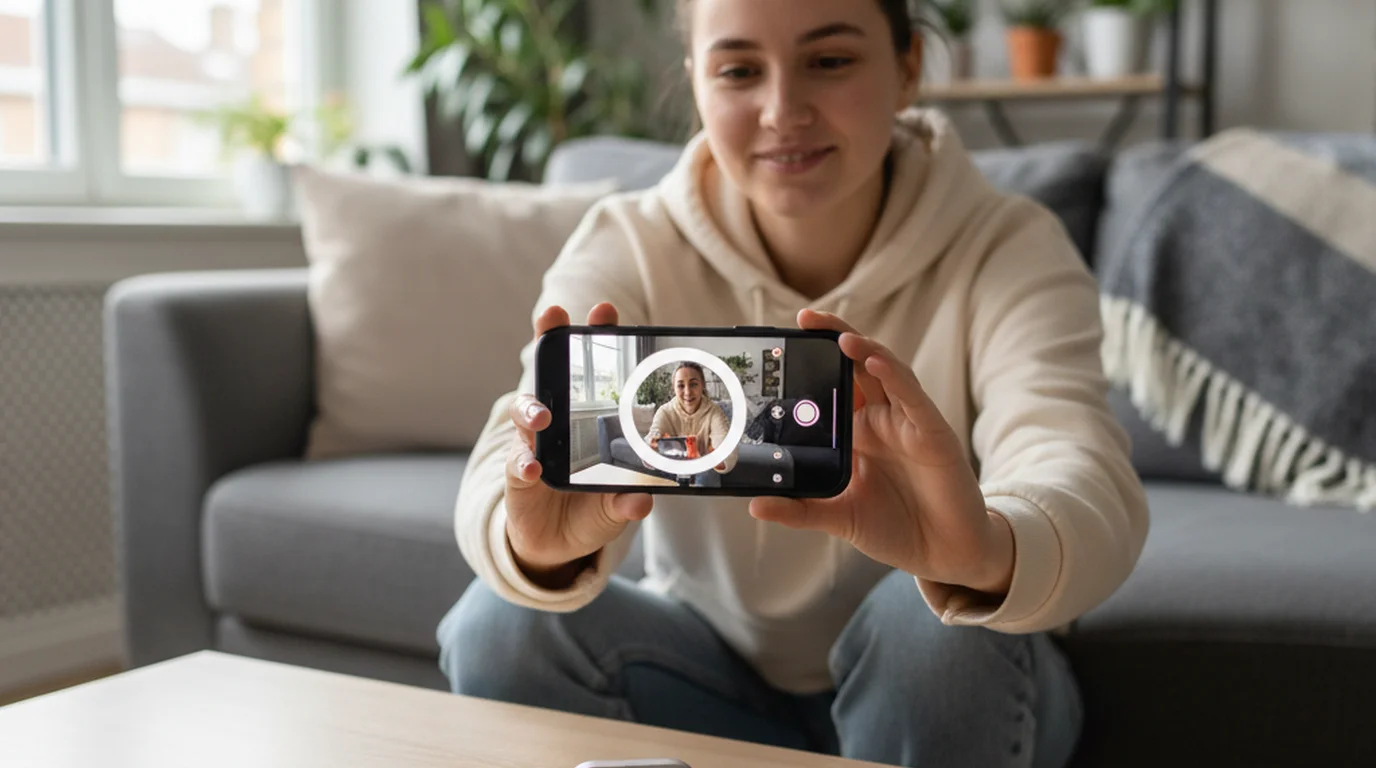
6 UGC Platforms That Pay Creators in 2026
The best UGC platforms for beginners and experienced creators — how each pays, what brands want, and how a teleprompter improves your submission quality.
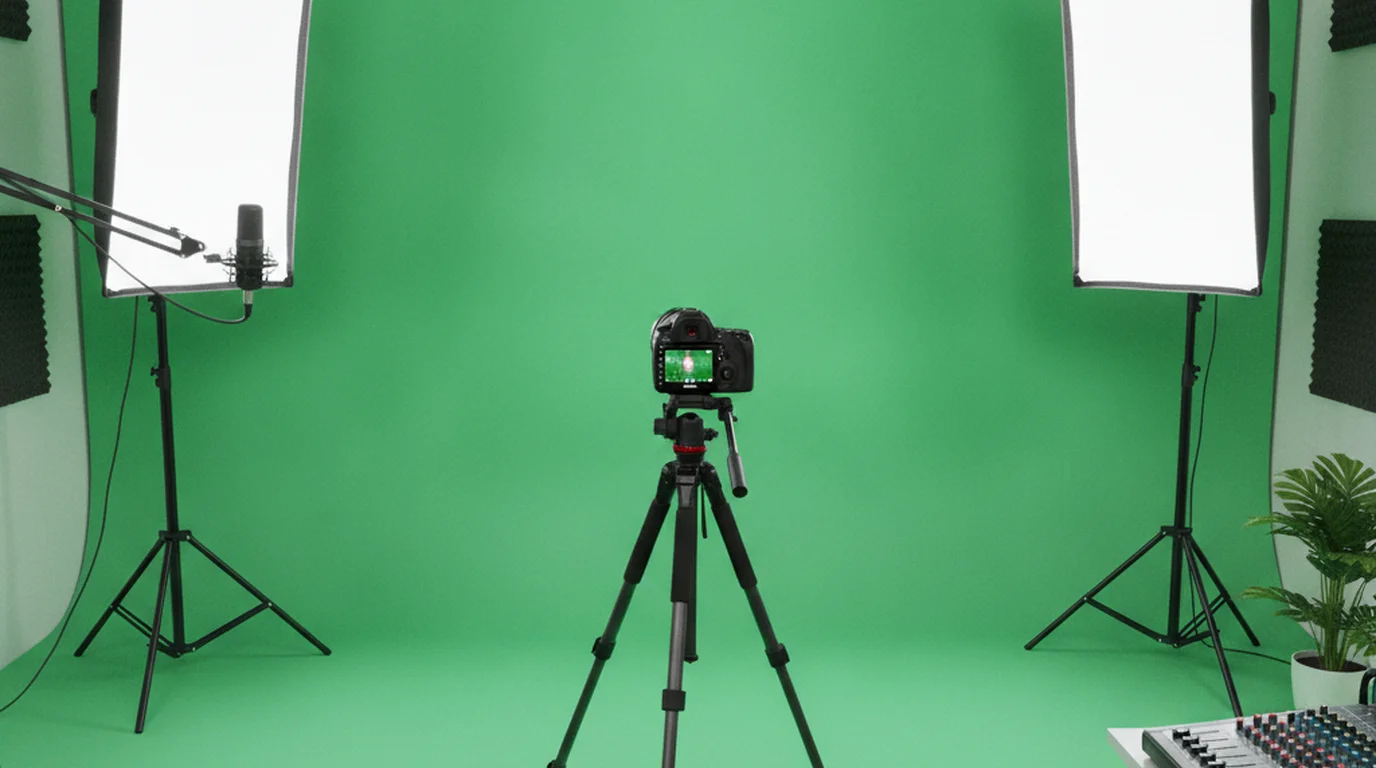
Why Your Home Green Screen Looks Bad — and the Lighting Fix That Actually Works
A green screen works when it's lit correctly. How to set up chroma key in a home studio, keep colour spill off your edges, and which alternatives to try.
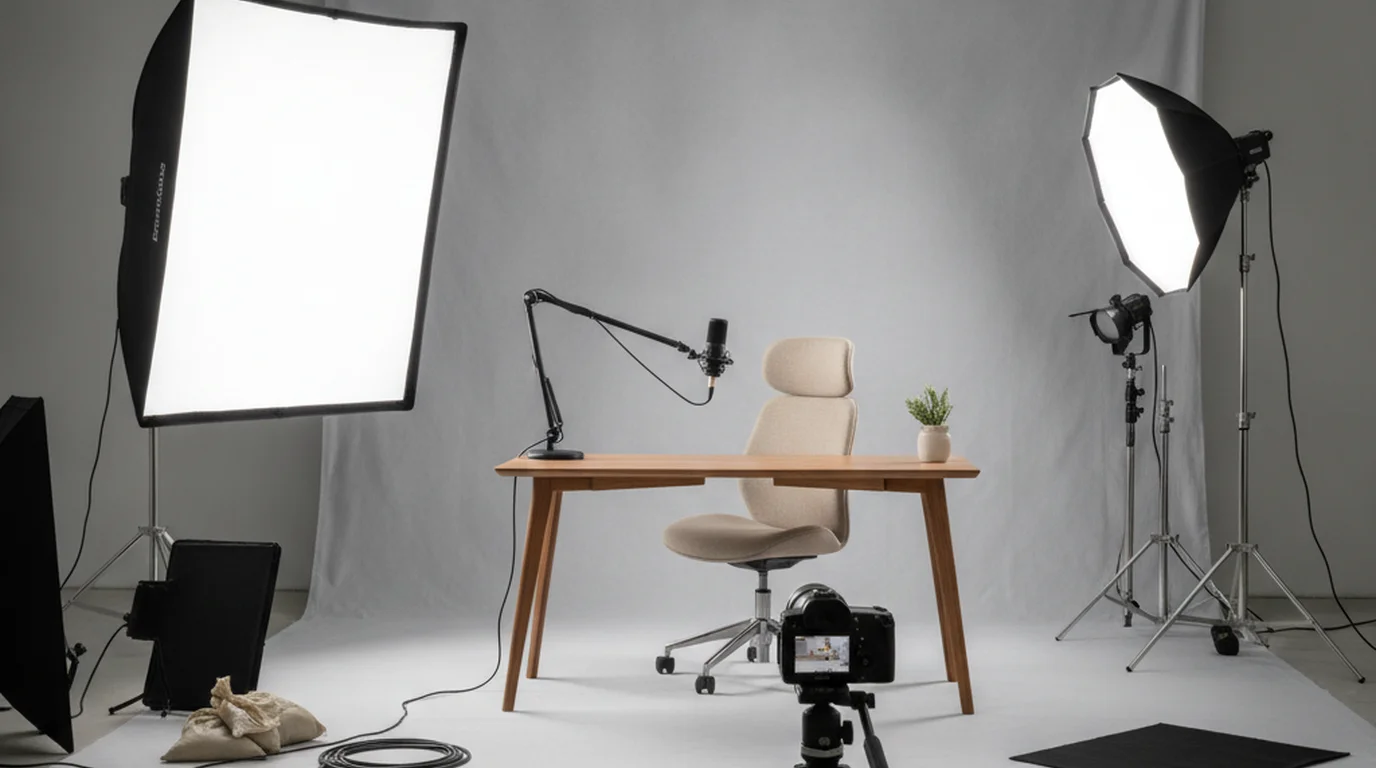
Why Softbox Lighting Makes Such a Difference on Camera — and How to Set One Up
A softbox shapes light rather than creating it. How softbox lighting works for video, where to position it, and how it compares with a ring light on camera.
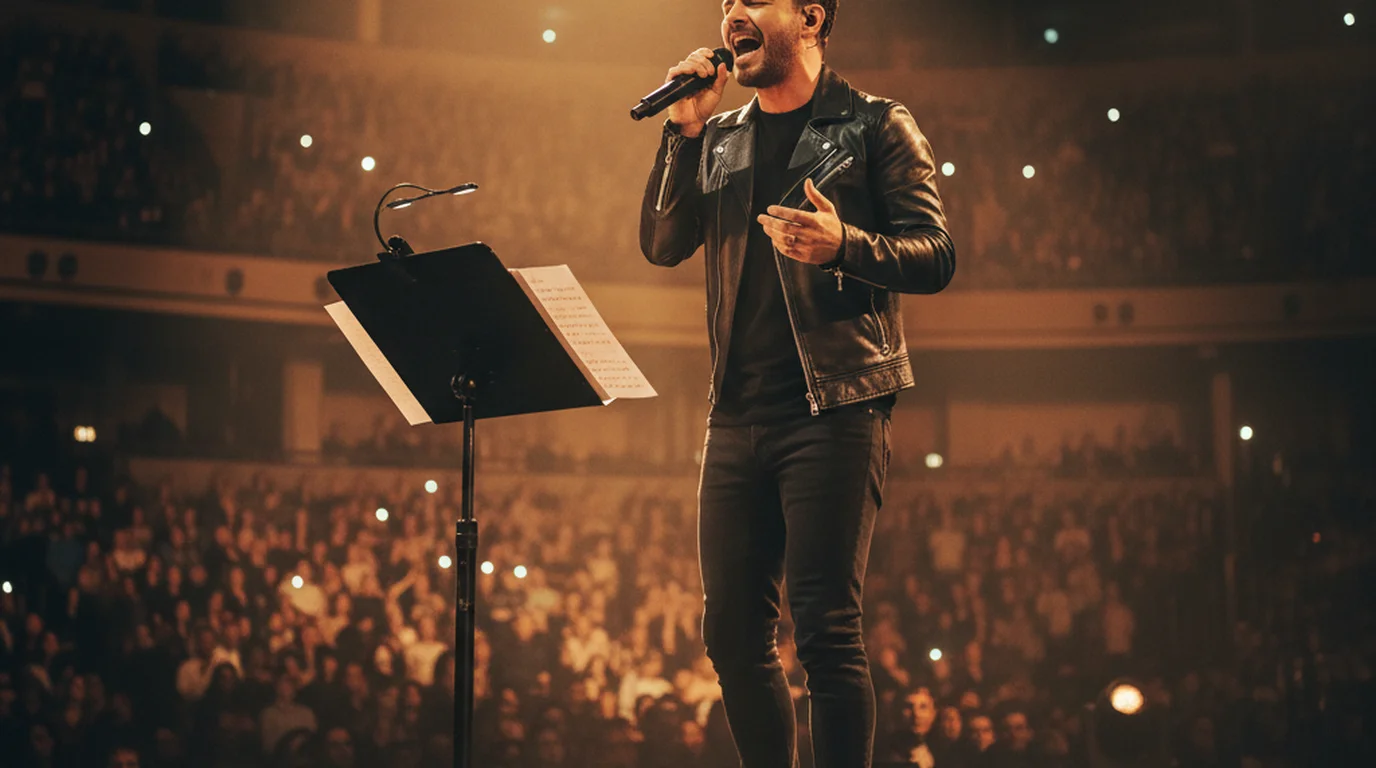
Lyrics Prompter for Singers: How to Set Up a Free Lyric Teleprompter for Stage and Studio
A lyrics prompter scrolls song lyrics at your singing pace. Set up a free lyric teleprompter on an iPad for the stage or beside the mic for studio vocals.
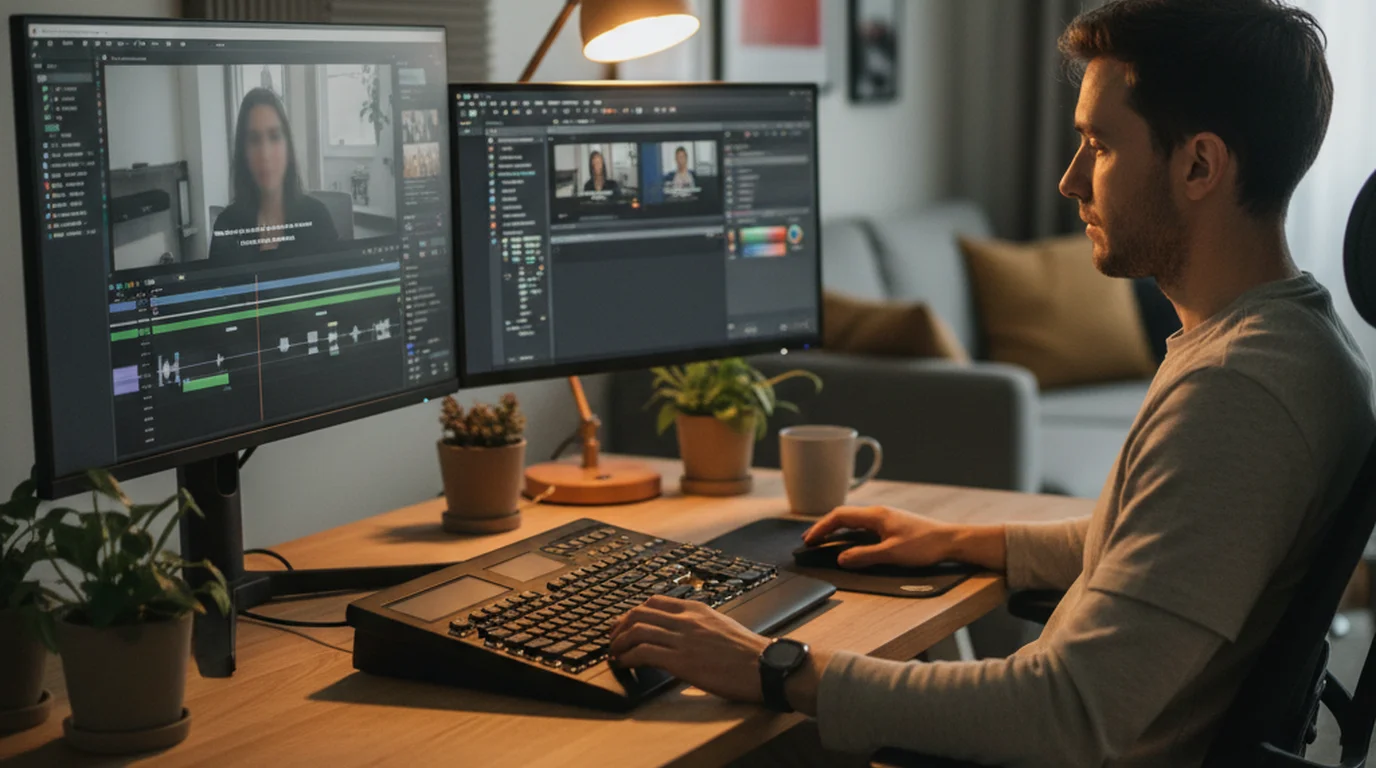
Open Caption vs. Closed Caption — The Difference and When to Use Each
Open captions are burned into the video. Closed captions can be turned on or off by the viewer. Learn which to use for social media, film and accessibility.
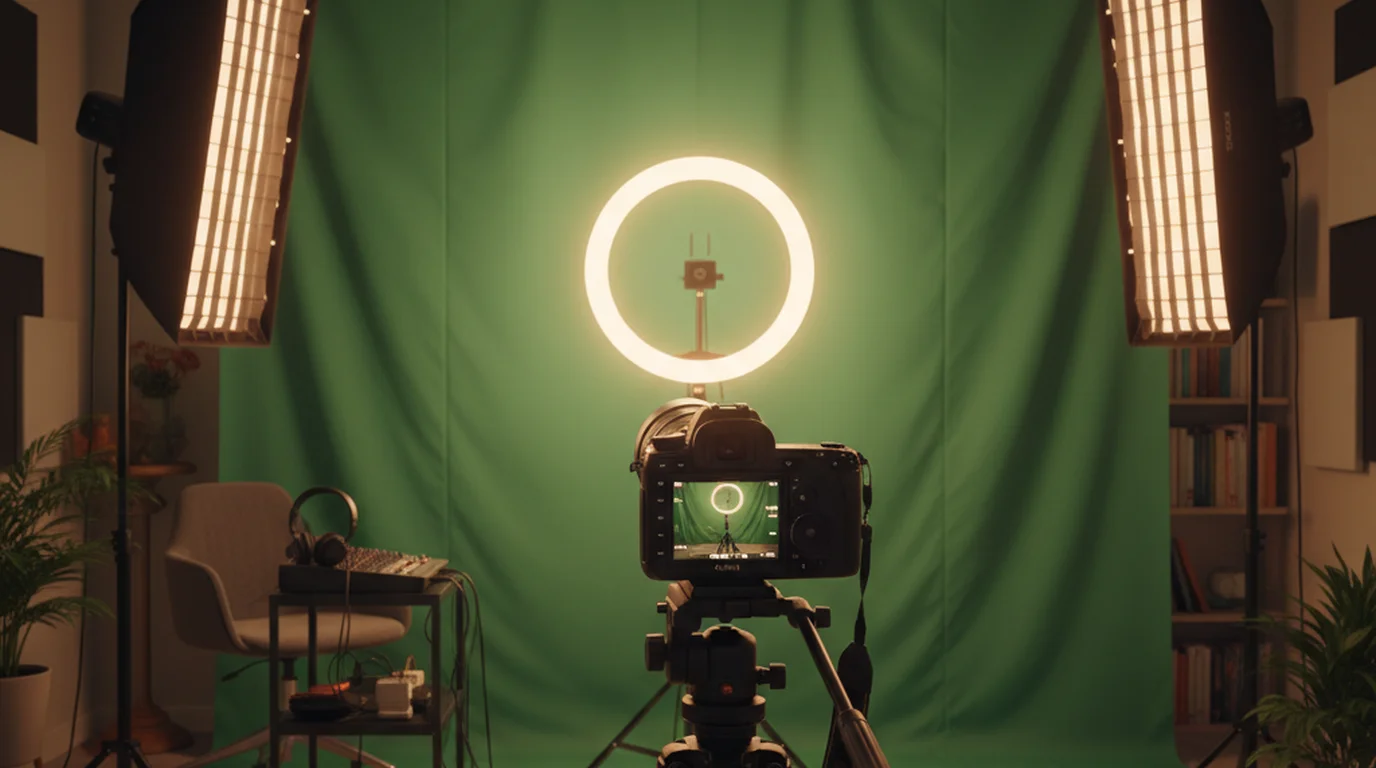
Chroma Key Green Screen Background: How It Works and How to Set One Up
Chroma key replaces a green screen with any image or video in post. Here's how chroma key green screen setups work and how to pull clean keys every time.

How Many Words Is a 5 Minute Speech?
A 5-minute speech is 500–800 words depending on pace. Slow = 500, average = 650, fast = 800 words. Free calculator + pacing table for presentations and TED talks.

Teleprompter overlay for video calls: Zoom, Teams and more
Read your script without looking away on Zoom, Teams or Meet. On Mac, a floating teleprompter window stays on top of the call, right under your webcam.

Teleprompter for Zoom: Read Your Script Over the Call
Use a teleprompter for Zoom: keep your script in a floating window on top of the call, right under the webcam. Free Mac setup, plus iPhone and browser options.
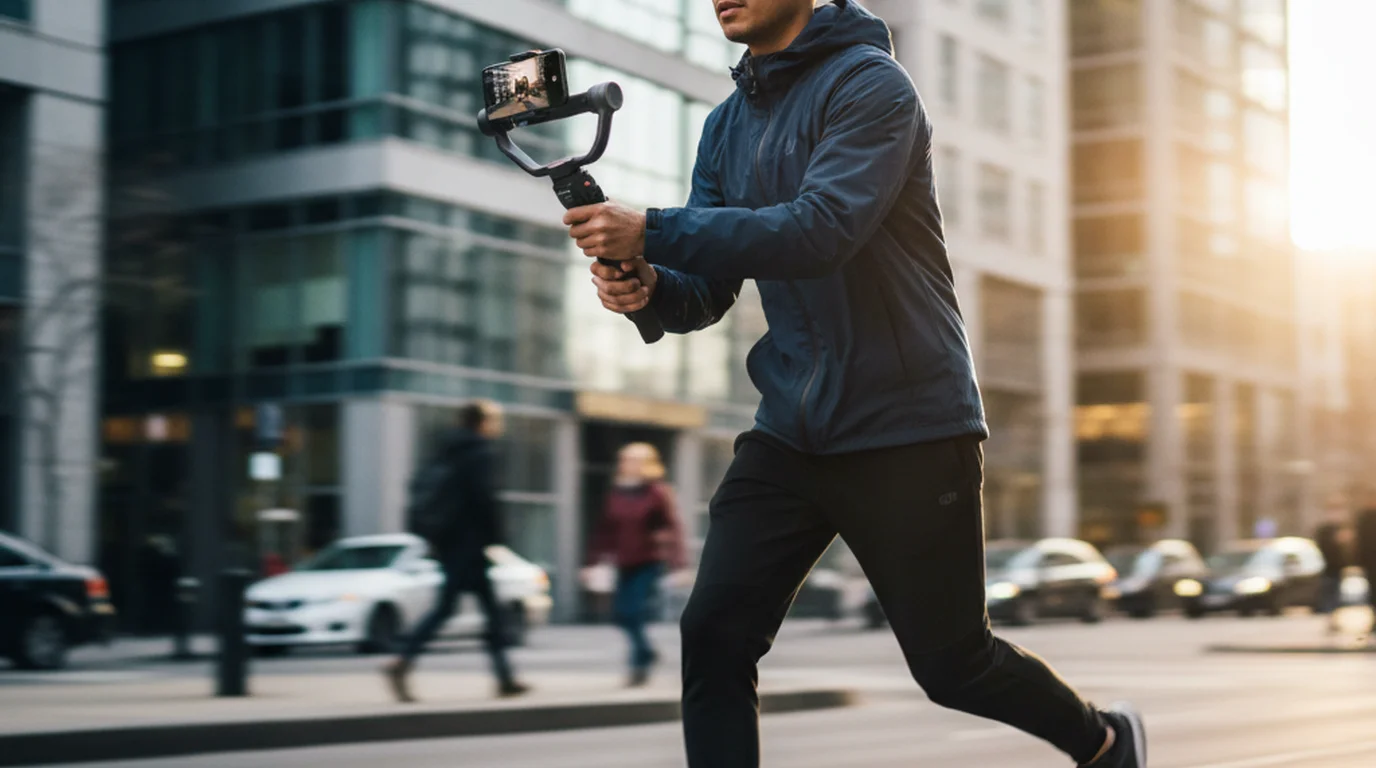
Best Gimbal Stabilizer for iPhone in 2026: Solo Creator Notes
We tested 6 iPhone gimbal stabilizers for solo creators — best picks for smooth footage, face tracking, and cold shoe mounts.
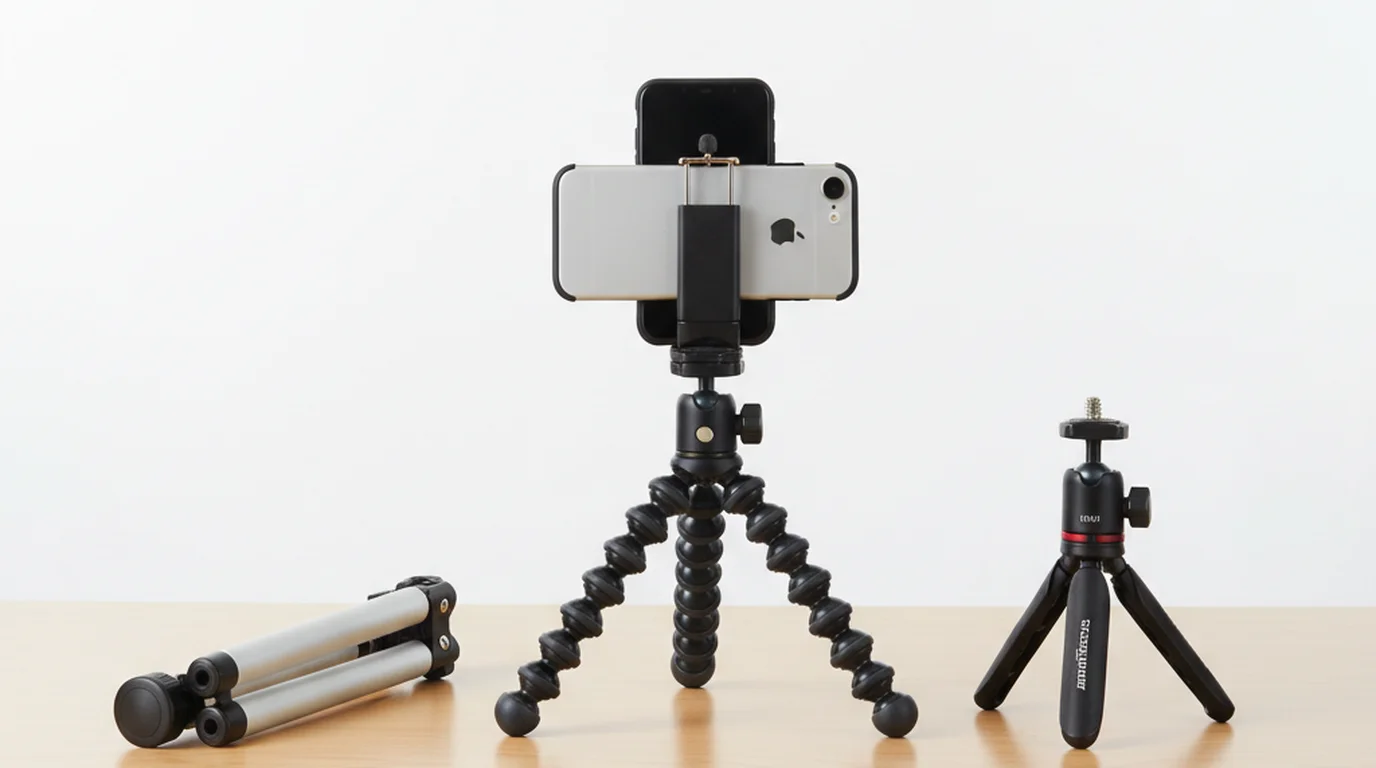
Best Tripod for Phone Video Recording in 2026
We tested 6 top phone tripods so you don't have to. Here are the best picks for solo creators, YouTubers, and podcasters filming on iPhone in 2026.
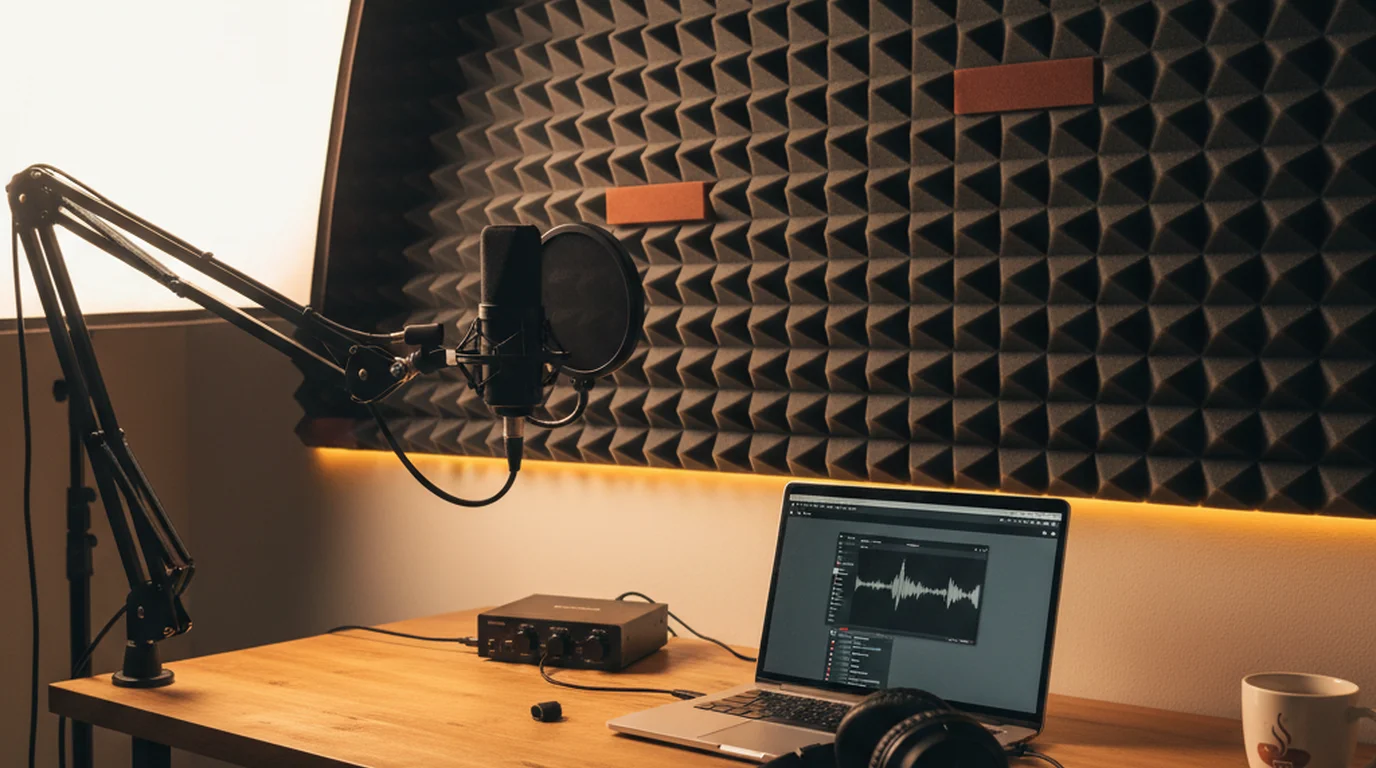
The Complete Podcasting Equipment List for Beginners (2026)
Starting a podcast on a budget? We tested 20+ gear combos. Here are 9 podcasting equipment picks — USB mics, headphones, and interfaces.
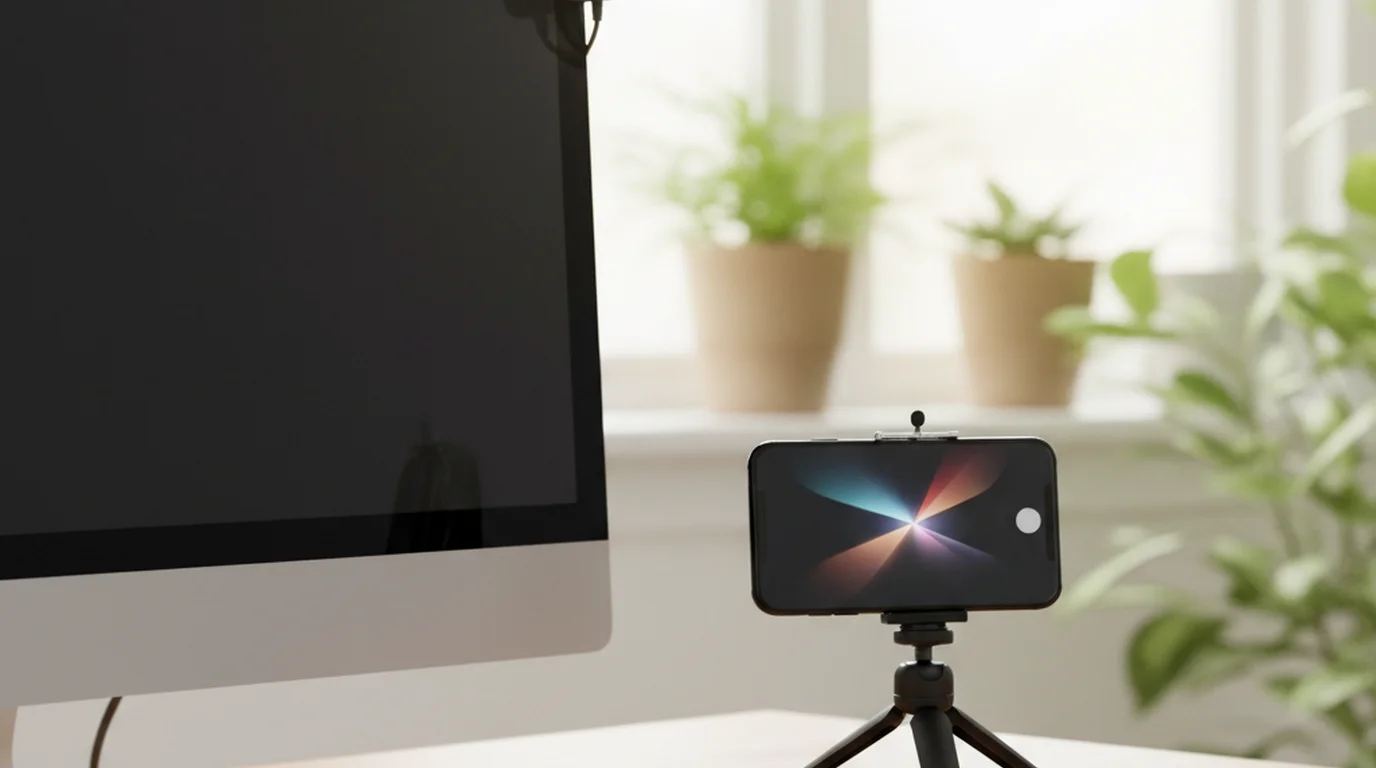
Webcam vs iPhone Camera for Video: Which One Should You Use?
Webcam vs iPhone camera for your next video? We compared image quality, convenience, audio, and software side-by-side. See which wins.