What does autocue mean?
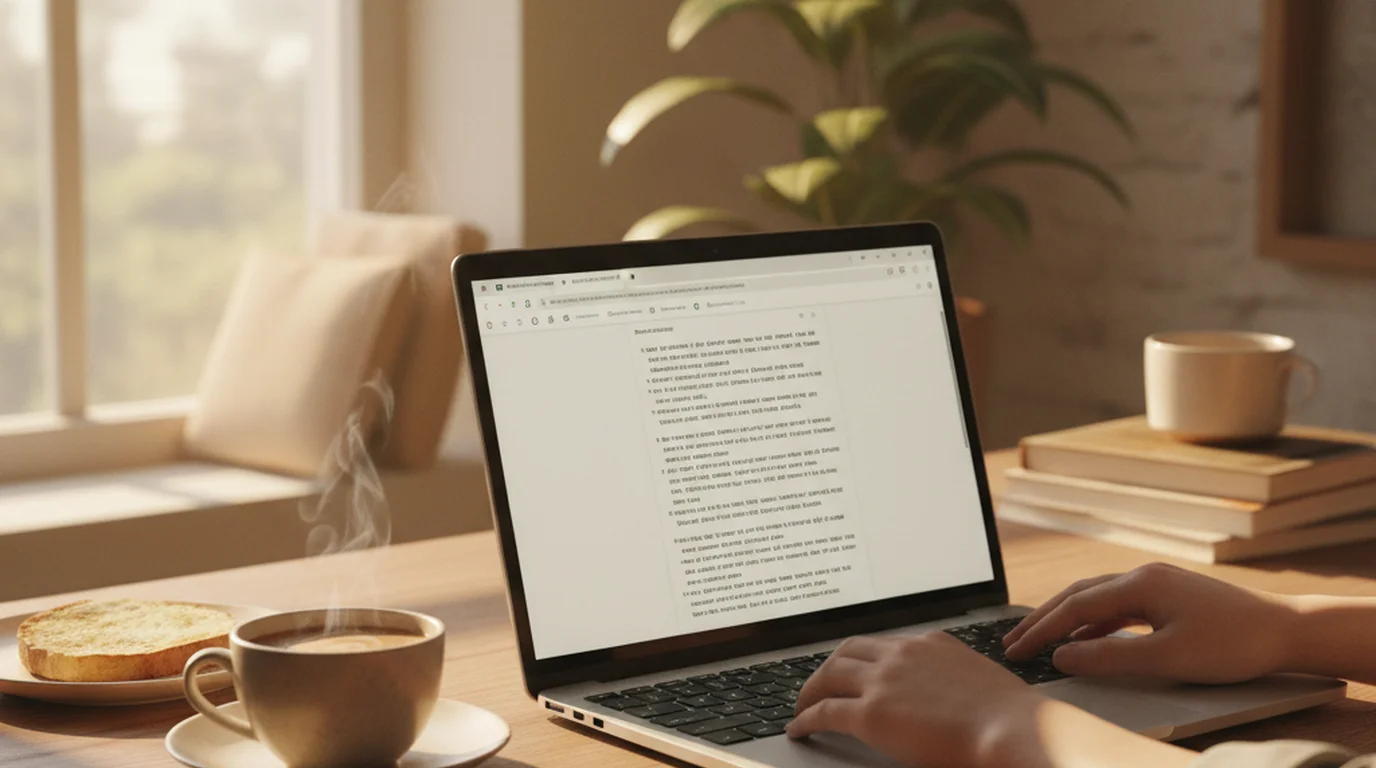
Autocue means a display that scrolls a script beside or in front of a camera lens so a presenter can read it while still appearing to look at the audience. The word is chiefly British English; American English uses teleprompter for the same device. It began as a brand name — Autocue was founded in 1955 to build broadcast prompting equipment — and became the everyday noun in the UK.
Is an autocue the same as a teleprompter?
Yes. Autocue is the British English term and teleprompter is the American one, but they describe the same device: a screen that scrolls your script beside or in front of the camera lens so you can read while looking forward. Autocue is also a registered hardware brand founded in 1955, which is why the word is used both generically and as a company name.
Is this online autocue really free?
Yes. There is no account, no email, no trial, and no paywall. Every feature on this page — scrolling, speed control, mirror mode, camera recording, and voice commands — is free to use in the browser.
Do I need to download anything to use an autocue?
No. This autocue runs entirely in the browser on Windows, macOS, ChromeOS, Android, and iPad. If you want offline use and direct video recording on Apple devices, the free Teleprompter-Scrolling Scripts app covers iPhone, iPad, and Mac.
Can I use this with a glass autocue rig or beam splitter?
Yes. Mirror mode flips the text horizontally or vertically so it reads correctly when reflected off beam-splitter glass. That makes a laptop, tablet, or monitor usable inside a standard home autocue rig.
How much does a real Autocue system cost?
Professional Autocue-branded studio prompters run from roughly $1,000 for a small on-camera unit to over $10,000 for conference and studio systems. A home autocue built from a beam-splitter frame plus a tablet running this browser autocue costs under $150.
What scroll speed should I set on an autocue?
Set the speed to match your natural speaking pace. Most prepared delivery lands between 120 and 150 words per minute, so start at 130 WPM and adjust after one read-through. Speed here is set in words per minute rather than unlabelled steps.
Is there an autocue app for Android or iPhone?
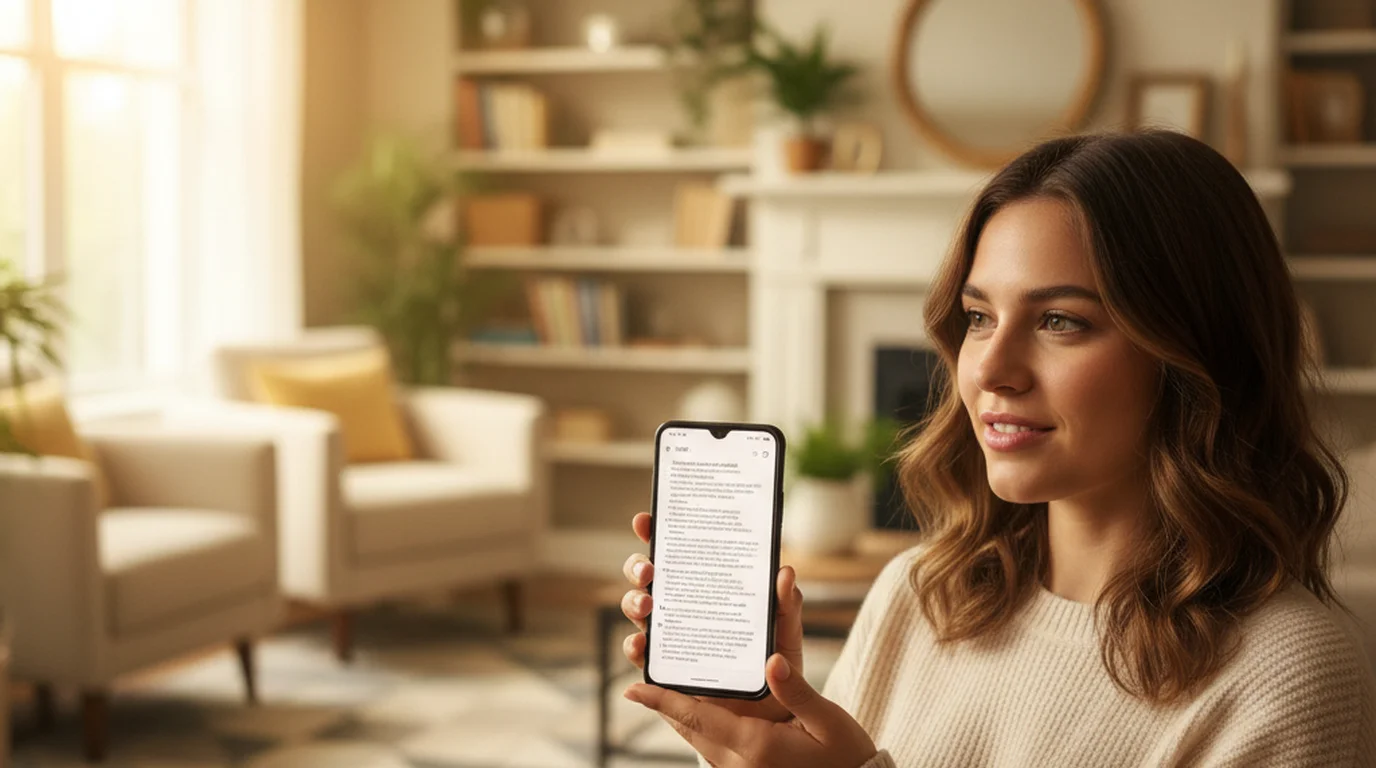
This browser autocue works on Android and iPad without an app. For iPhone, iPad, and Mac there is also a free native app that adds offline scripts, Camera mode with script overlay, and voice control.
Is there a free online autocue that is voice-activated?
Yes — this one. Voice control is on by default and free: say “play”, “pause”, “next”, “previous”, or “restart” and the script responds without you leaving frame or reaching for a keyboard. That matters most in a beam-splitter rig, where the screen sits behind glass and you cannot touch it mid-take. Voice control needs a microphone permission and an HTTPS connection, both of which this page already has.
What is the best free online autocue?
For reading a script in a browser, look for four things: a scroll speed set in words per minute rather than vague numbered steps, mirror mode for beam-splitter glass, no cap on script length, and no account. Most free browser prompters give you one or two. This page gives you all four, plus voice control and in-browser recording. If you also need offline scripts and to record with the script overlaid on the camera, the free native app for iPhone, iPad, and Mac covers that.
Do I need an autocue operator?
Not for a browser autocue. In a studio, an operator rides the scroll speed so the text tracks a presenter who speeds up or slows down. Solo, you replace the operator two ways: set the speed in words per minute so it already matches your natural pace, and use voice commands to pause and resume when you go off script. That covers the operator’s job for everything short of live broadcast.