Best Teleprompter Software in 2026: Free and Paid Options for Mac and Windows
 Ryan Kowalski · July 18, 2026 · Updated October 20, 2026 · 7 min read
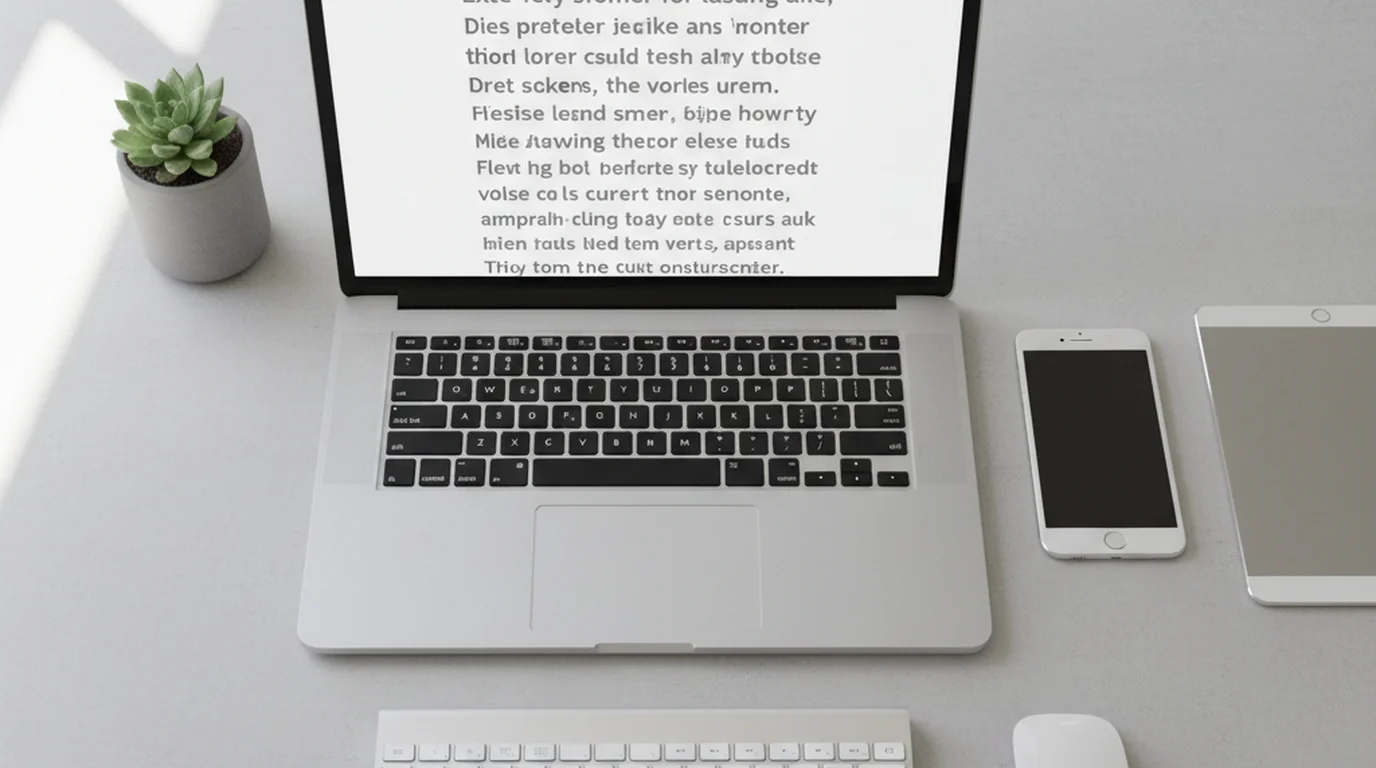
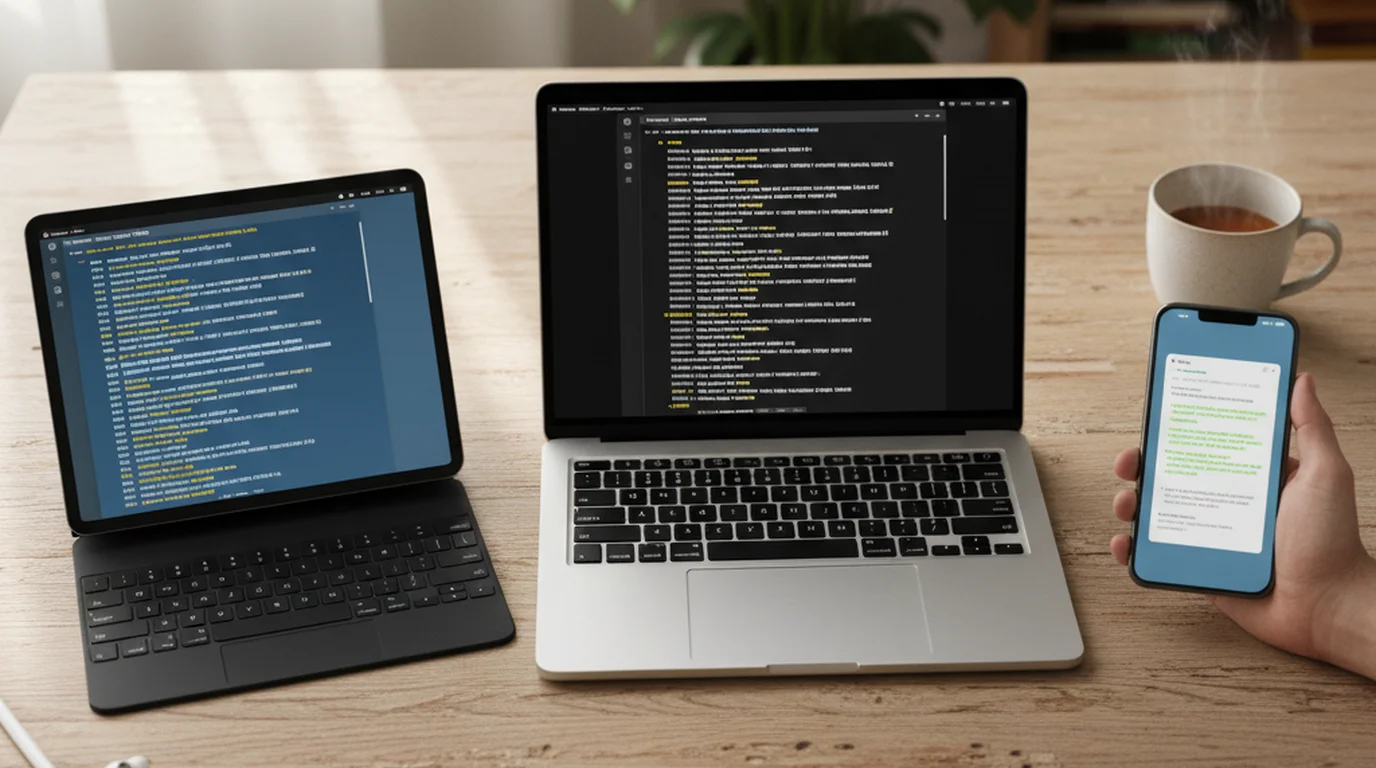
Teleprompter software turns a computer screen into a script reader for webcam recordings, video calls, and presentations. Some programs only scroll text; others also record the video. Prices below come from each vendor's pricing page or App Store listing, as of October 2026.
For Mac users, the best teleprompter software is Teleprompter-Scrolling Scripts, a free native app that records while you read, with no account and no watermark. On Windows and Linux, QPrompt is the best free option. Speakflow suits teams that want voice-following scrolling, and Teleprompter.com suits one subscription across Mac, iPhone, Android, and the web.
Teleprompter Software Compared
| Software | Best for | Free version | Paid price | Watermark | Platforms |
|---|---|---|---|---|---|
| Teleprompter-Scrolling Scripts | Mac creators who want to read and record in one free app, with no account and no watermark | Camera, Prompter and Voice modes; records with the built-in camera, an iPhone over Continuity Camera, or a USB camera | Free, no account | None (1080p) | Mac (macOS 15.6+), iPhone, iPad; free browser version |
| QPrompt | Free, open-source prompting on Windows, Mac and Linux | Full program: adjustable reading area, multi-screen prompting, markers, timer, clicker shortcuts | Free (GPL v3) | Prompter only | Windows 10+, macOS, Linux |
| Speakflow | Teams that want voice-following scrolling and shared scripts | Auto-scrolling prompter, limited Flow voice scrolling, 7-day script history | Plus $15/month, Studio $99/month (billed yearly) | Recording starts on Plus | Web; desktop app for Mac and Windows on paid plans |
| Teleprompter.com | One subscription across Mac, iPhone, Android and web | Starter plan: recording, cloud scripts, custom fonts and colors, remote control | $4.99/week, $9.99/month or $89.99/year | Yes | Mac, iPhone, iPad, Android, web |
| VoicePrompter | Mac users who want voice scrolling that runs on the device | Free to download, no account | Pro $9.99/month or $49.99/year | Watermark or lower resolution | Mac, iPhone, iPad |
| CuePrompter | A quick prompter in any browser with no sign-up | Free for commercial and non-commercial use | Free | Prompter only | Any modern browser |
1. Teleprompter-Scrolling Scripts
Teleprompter-Scrolling Scripts: Best for Mac creators who want to read and record in one free app, with no account and no watermark.
- Free features: Camera mode, Prompter mode, and Voice mode; adjustable scroll speed, text size, and colors; a text area you can move and resize.
- Cost: free to download and use, with no account.
- Platforms: Mac (macOS 15.6 or later), iPhone, and iPad, plus a free browser version for Windows or any other computer.
On a Mac it runs as a native Mac teleprompter app. Camera mode lays the script over the live camera preview and records, using the built-in camera, an iPhone over Continuity Camera, or a USB camera when more than one is connected. Prompter mode fills the screen with scrolling text for reading beside a webcam or a separate camera, and Voice mode records audio only while the script scrolls. For calls and streams, the floating window keeps the script on top of Zoom, Teams, OBS, or any other app — park it under the webcam and keep working in the app beneath while the text scrolls. Recording feels like opening the camera: no login and no internet connection.
Put the text in the middle of the screen if that is where you like to read, or drag it right under the camera to keep your eyes on the lens, and resize it to show as many lines as you want. Scripts stay on your device.
On Windows, Chromebook, or a shared computer, the online teleprompter runs in the browser with no installation and no login, and can mirror the text horizontally or vertically for a beam-splitter rig. The teleprompter for Windows PC guide covers that setup in detail.
2. QPrompt
QPrompt: Best for free, open-source prompting on Windows, Mac, and Linux.
- Free features: everything. The QPrompt site lists an adjustable reading area, an opacity slider for video calls, multi-screen prompting, named markers, a timer that estimates time to the end, and custom shortcuts for presentation clickers.
- Cost: free and open source under GPL v3, including commercial use.
- Platforms: Windows 10 and later, macOS (Apple silicon and Intel), and Linux.
QPrompt is a prompter, so you record with your usual camera or recording app. It suits studios with a dedicated prompter monitor and anyone who wants the same free program on every operating system.
3. Speakflow
Speakflow: Best for teams that want voice-following scrolling and shared scripts.
- Free features: an auto-scrolling teleprompter, limited Flow (voice-activated scrolling), script editing and formatting, and 7 days of script history.
- Cost: Plus is $15 a month and Studio $99 a month, billed yearly, per the Speakflow pricing page. Plus adds unlimited Flow, an overlay for Zoom, Google Meet and Teams, device sync, real-time collaboration, and video recording.
- Platforms: web browser, plus a desktop app for Mac and Windows on Plus and Studio.
Studio adds client workspaces for up to 25 members, which makes it a fit for agencies and marketing teams. For solo use, the Speakflow alternatives page compares free options.
4. Teleprompter.com
Teleprompter.com: Best for creators who want one subscription across Mac, iPhone, Android, and the web.
- Free features: the Starter plan includes recording, cloud script storage, custom fonts and colors, and remote control.
- Cost: $4.99 a week, $9.99 a month, or $89.99 a year on the App Store.
- Watermark: Starter recordings carry a watermark; Pro removes it.
- Platforms: Mac, iPhone, iPad, Android, and web.
Because scripts sync through the cloud, a script written at the desk is ready on the phone. The Teleprompter.com alternatives page compares options without a subscription.
5. VoicePrompter
VoicePrompter: Best for Mac users who want voice scrolling that runs on the device.
- Free features: free to try with no account required.
- Cost: Pro is $9.99 a month or $49.99 a year, covering Mac, iPhone, and iPad.
- Platforms: Mac, iPhone, and iPad.
According to the VoicePrompter App Store listing, speech recognition runs locally with Apple's on-device APIs, the prompter can float over other apps, and scripts sync across devices with iCloud.
6. CuePrompter
CuePrompter: Best for a quick prompter in any browser with no sign-up.
- Free features: paste a script, set the speed and font size, and scroll, with no download or account.
- Cost: free for commercial and non-commercial projects, per CuePrompter.
- Platforms: any modern browser on a computer, tablet, or phone.
CuePrompter is a prompter only, so pair it with your camera or recording app. It works well for one-off scripts and for a laptop set beside a camera.
How to Choose Teleprompter Software
- Mac, reading and recording in one app: Teleprompter-Scrolling Scripts.
- Windows or Linux, free: QPrompt, or the browser-based online teleprompter with no install.
- Script follows your voice: Speakflow on any computer, or VoicePrompter on Mac.
- A team sharing scripts across devices: Speakflow Studio or Teleprompter.com.
- A beam-splitter rig or a second monitor: QPrompt's multi-screen prompting, or the mirror options in the online teleprompter.
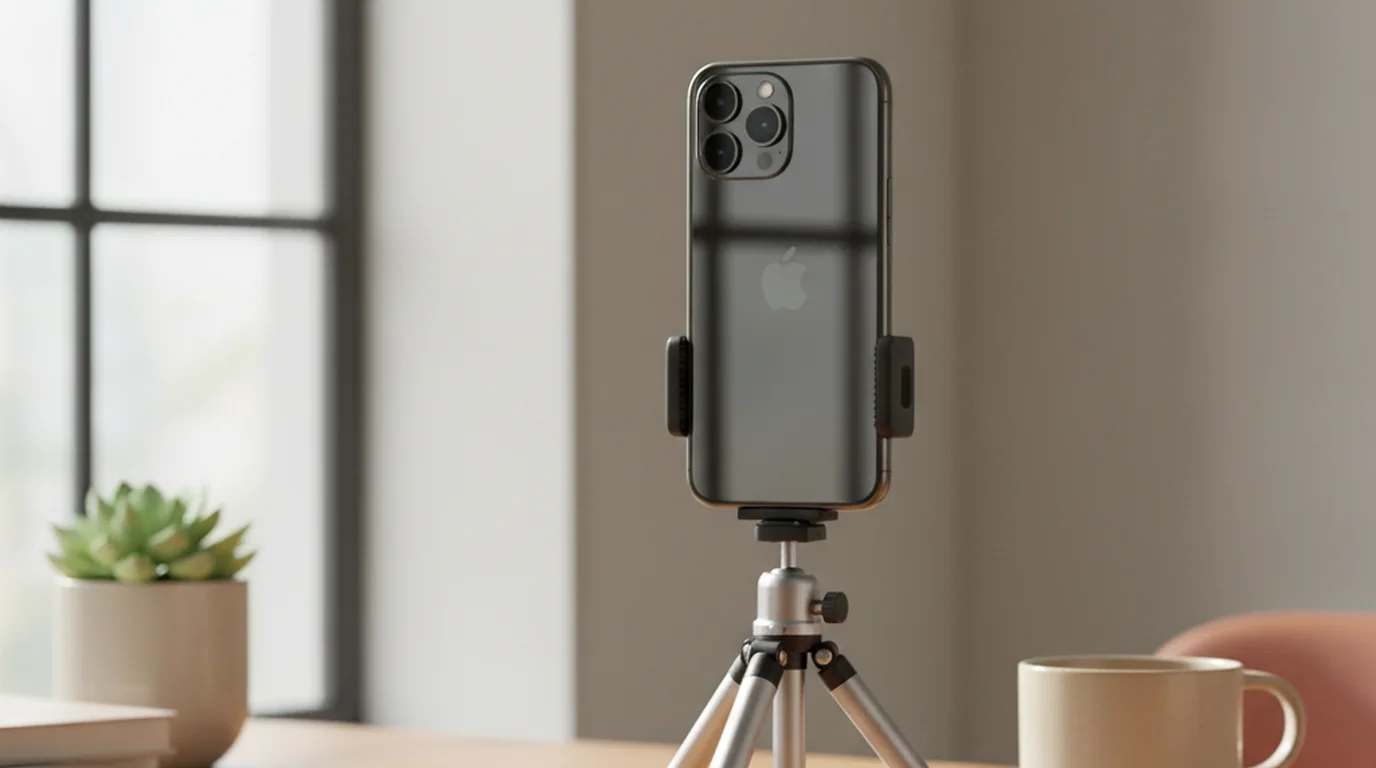
For video calls, place the text right under the webcam so your eyes stay near the lens; the teleprompter for Zoom guide walks through the setup, and the guide to teleprompter app modes and settings covers speed and text size.
Frequently Asked Questions
What is the best teleprompter software?
It depends on your computer and workflow. Teleprompter-Scrolling Scripts is best for Mac creators who want to read and record in one free app with no account and no watermark. QPrompt is the best free program for Windows and Linux, Speakflow suits teams that want voice-following scrolling, and Teleprompter.com suits one subscription across Mac, iPhone, Android and web.
What is the best free teleprompter software for Windows?
QPrompt is free and open source and installs on Windows 10 and later. For no installation at all, the free online teleprompter runs in Chrome or Edge with no login, and CuePrompter also runs in any browser.
What software do teleprompters use?
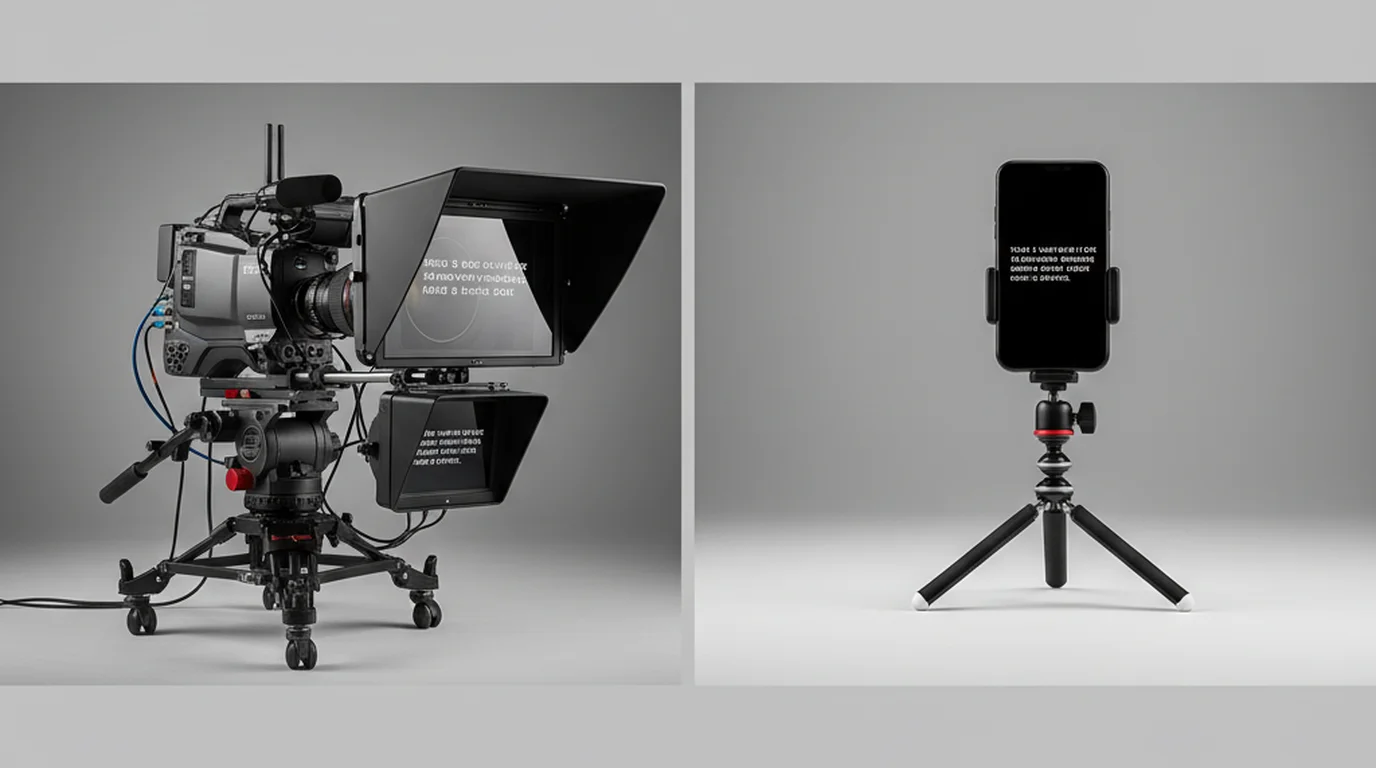
A teleprompter is a screen plus software that scrolls the script. Studio rigs run prompting software on a computer connected to the monitor under the beam-splitter glass; for a webcam or laptop setup, programs like QPrompt, Speakflow or Teleprompter-Scrolling Scripts do the same job on the computer itself.
Can I use teleprompter software without downloading anything?
Yes. The free online teleprompter at teleprompter.works/online/ runs in Chrome, Safari, Edge or Firefox with no installation or login. Paste your script, set font size and scroll speed, and place the window near your webcam. CuePrompter and Speakflow's free plan also run in the browser.
Which teleprompter software works with Zoom?
Any of them can sit on screen during a call. On Mac, Teleprompter-Scrolling Scripts opens a floating window that stays on top of Zoom, right under the webcam, while you keep using the call. QPrompt has an opacity slider for a see-through window, Speakflow Plus adds an overlay for Zoom, Google Meet and Teams, and the free online teleprompter can sit in a narrow browser window right under the webcam.
Is teleprompter software worth paying for?
For most solo creators, free software covers the full workflow: Teleprompter-Scrolling Scripts on Mac, QPrompt on Windows and Linux, or a browser prompter. Paid plans are worth it for voice-following scrolling, synced script libraries, and team workspaces.
Complete guide: What Is a Teleprompter? How It Works, Types, and When to Use One — history, hardware vs software, types, cost, and free options for every platform.
Ryan KowalskiRyan Kowalski reviews iOS and macOS apps for content creators, with a focus on teleprompter, camera, and productivity tools. His rule: use an app daily for at least two weeks before writing a word about it.
Try the best free teleprompter software
The browser version runs on any computer with no download or login. The Mac, iPhone and iPad app records in Camera mode with no watermark.
Use Free Online Teleprompter Get the Free App